
Login with SAML
What is SAML login?
If your organisation has configured SAML single sign-on, you can sign in to Bookmark Llama using your company credentials. This means you use the same username and password as your other work applications.
How to login with SAML
- Go to app.bookmarkllama.com/login.
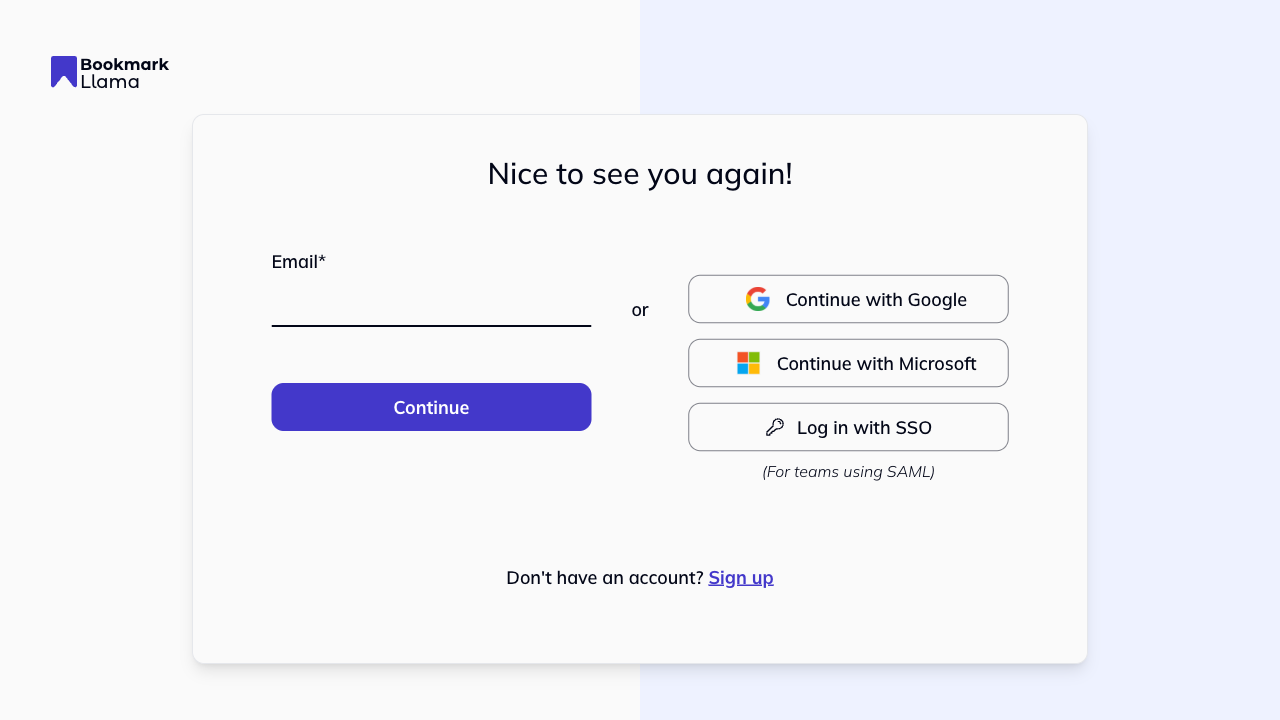
- Click Log in with SSO.
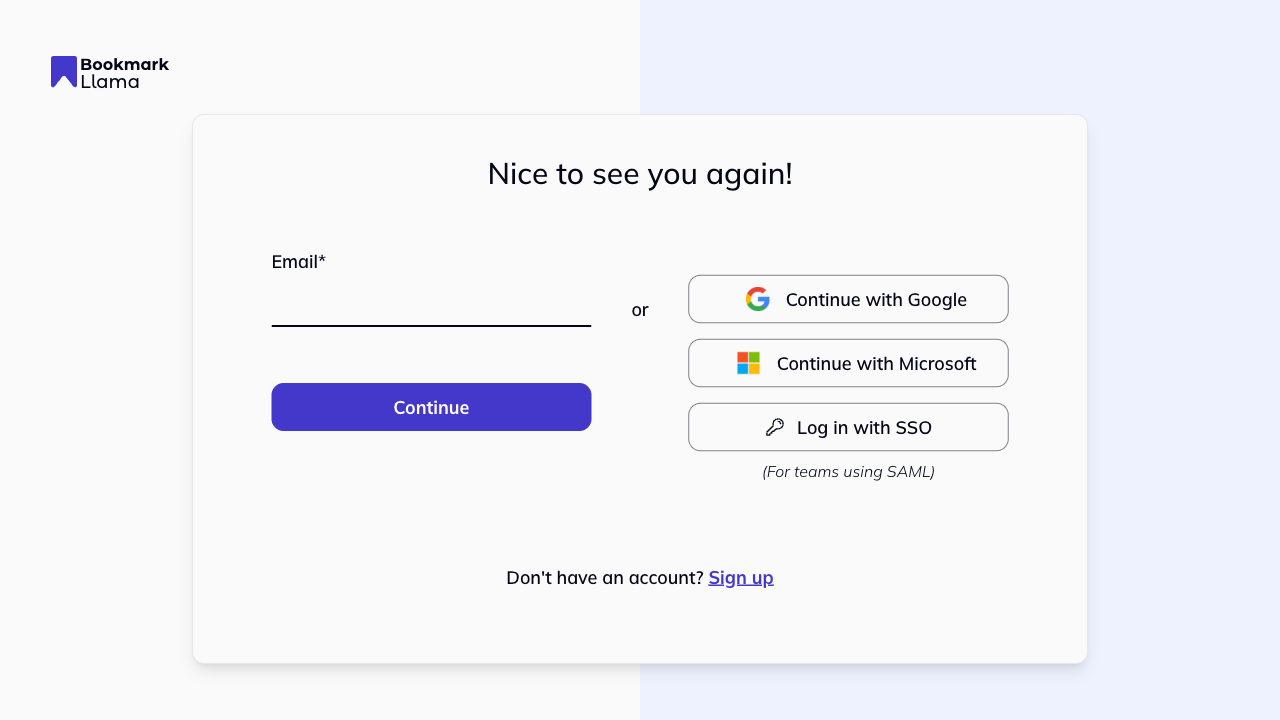
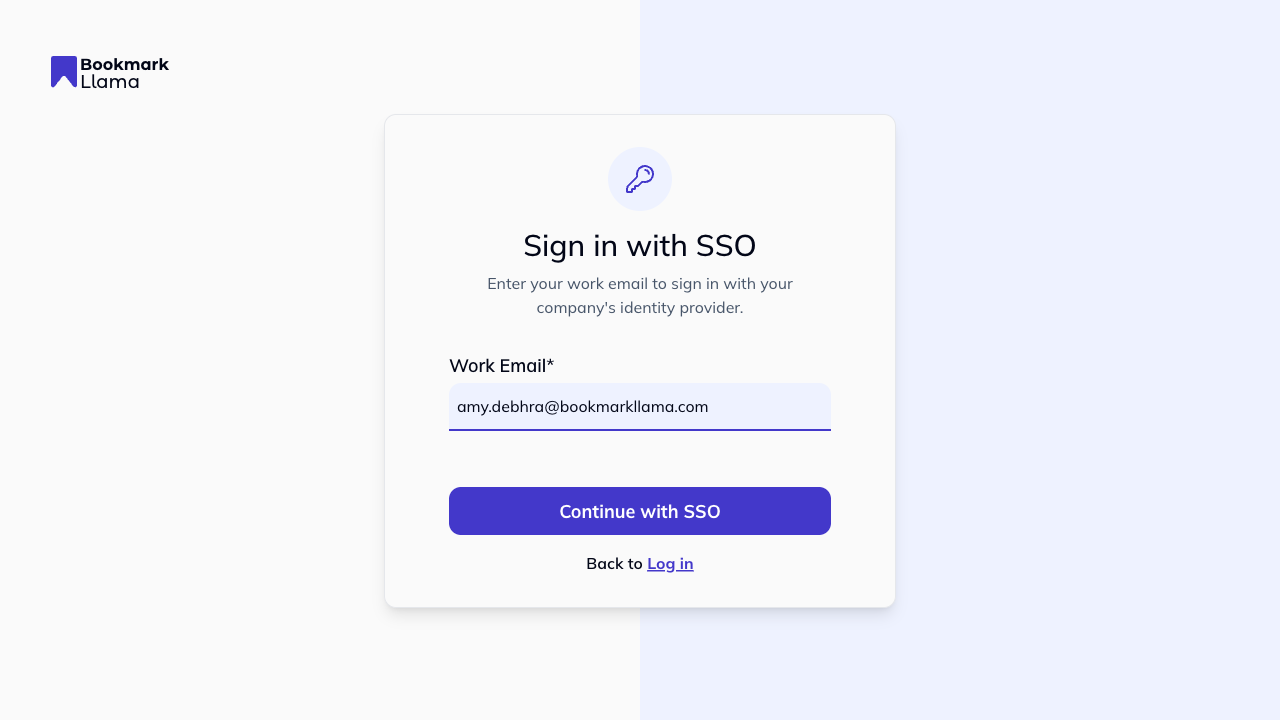
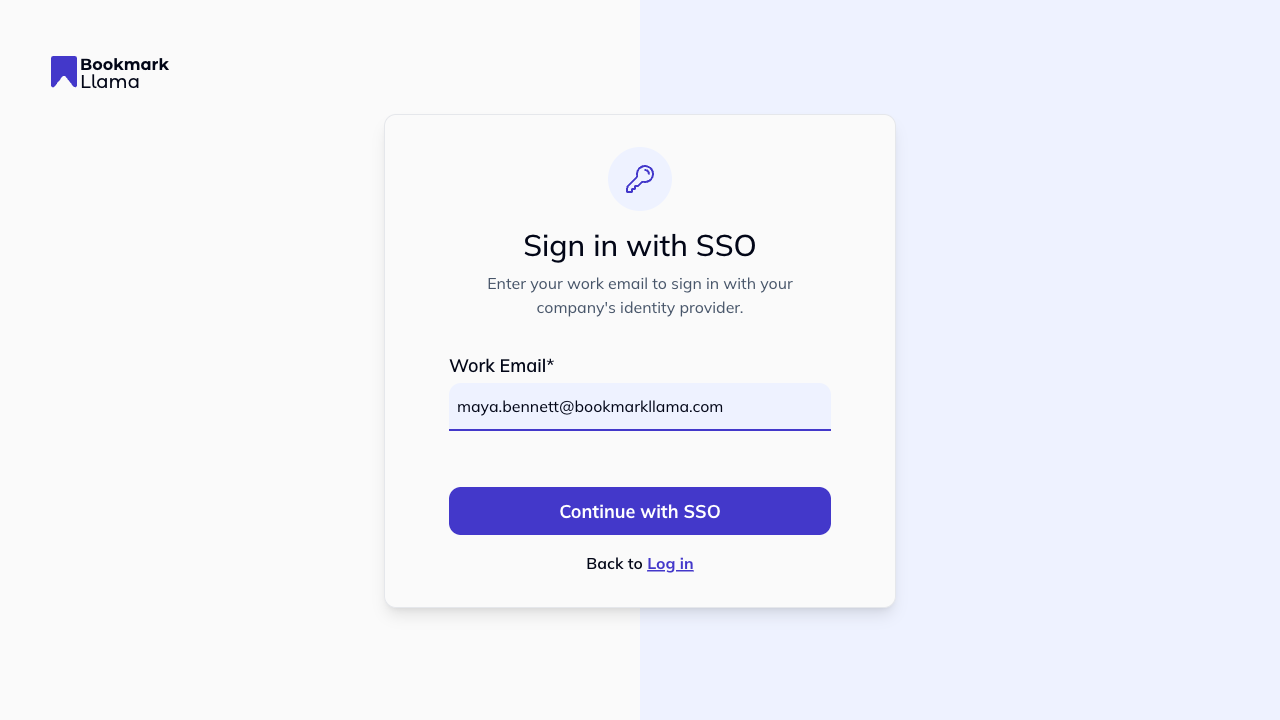
- Enter your work email address and click Continue with SSO.
- You will be redirected to your identity provider (for example Okta, Azure AD, or Google Workspace).
- Complete your identity provider sign-in and any MFA steps.
- After successful authentication, you will be redirected back to Bookmark Llama and signed in.
Can I sign up with SSO?
Yes.
- Open the sign-up page and click Sign up with SSO.
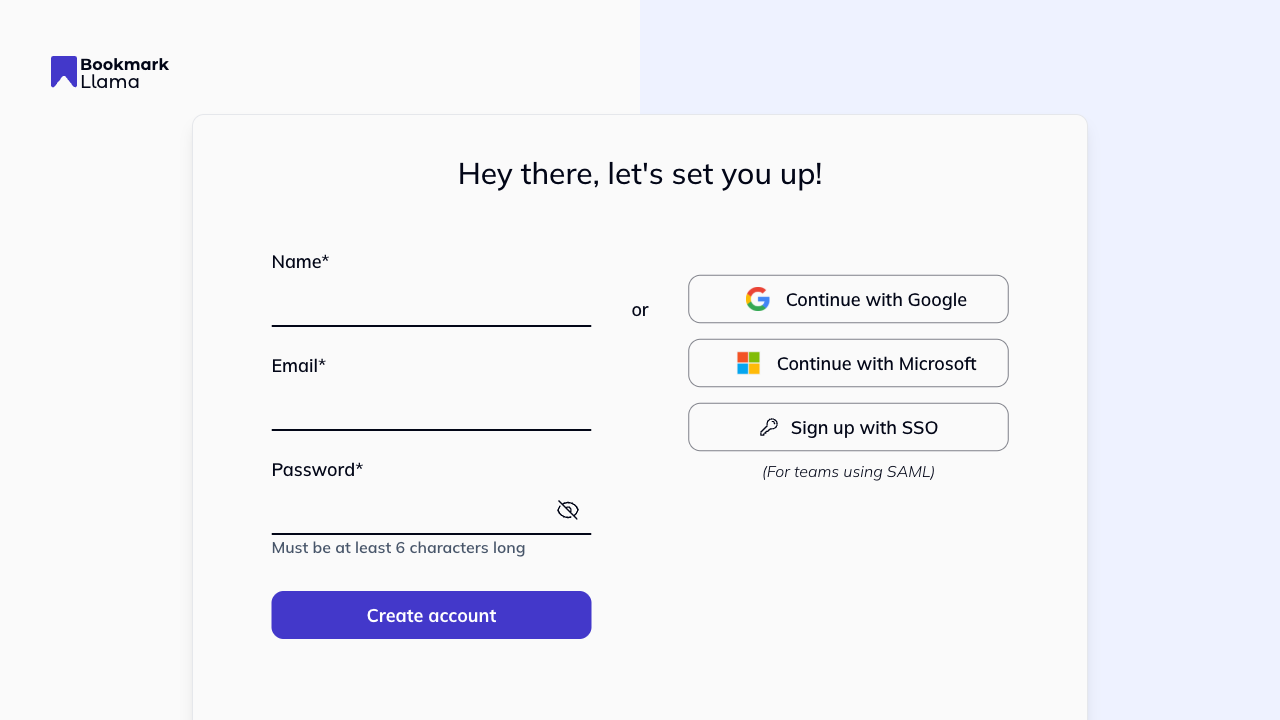
- On the SSO page, enter your work email and continue with your identity provider.
Need help?
If you’re having trouble logging in with SAML, contact your organisation’s IT administrator or reach out to Bookmark Llama support.
If you’re an admin configuring SAML, see Setting up SAML.