
Update billing
The “Billing” section in your organization settings is where you can update payment methods, and view invoices.
How to access billing
-
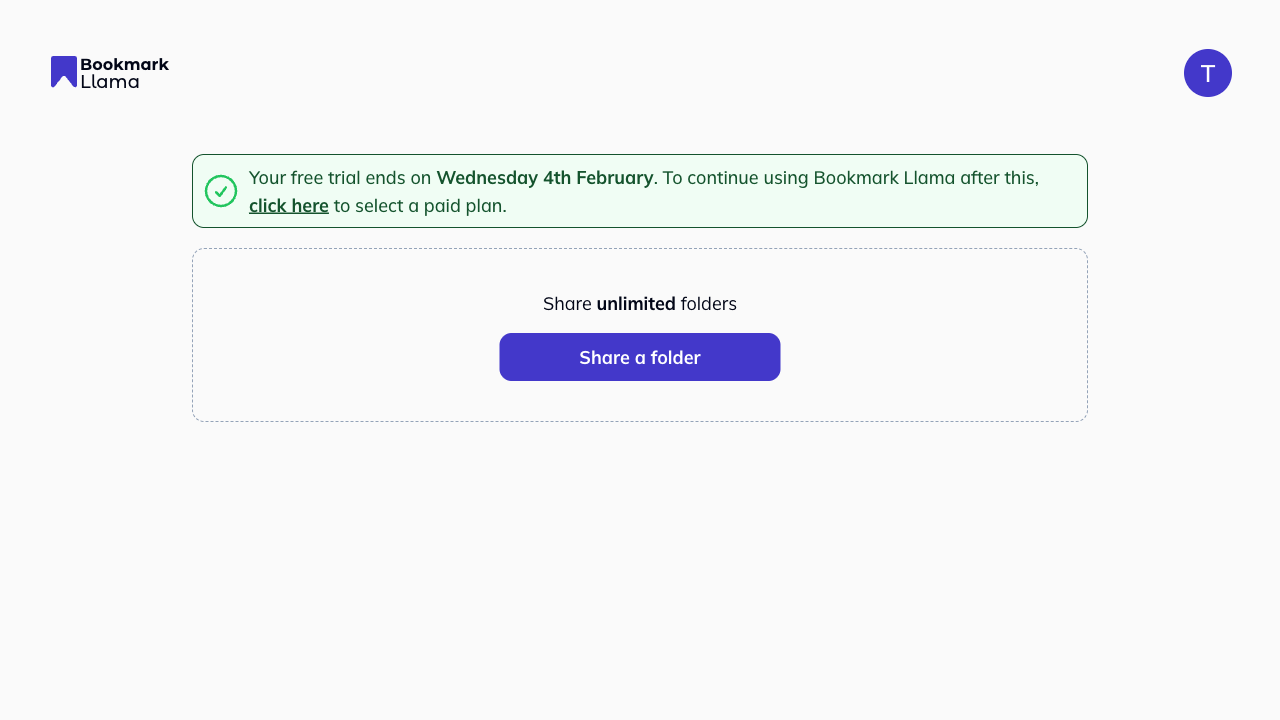
Go to your dashboard at app.bookmarkllama.com.
-
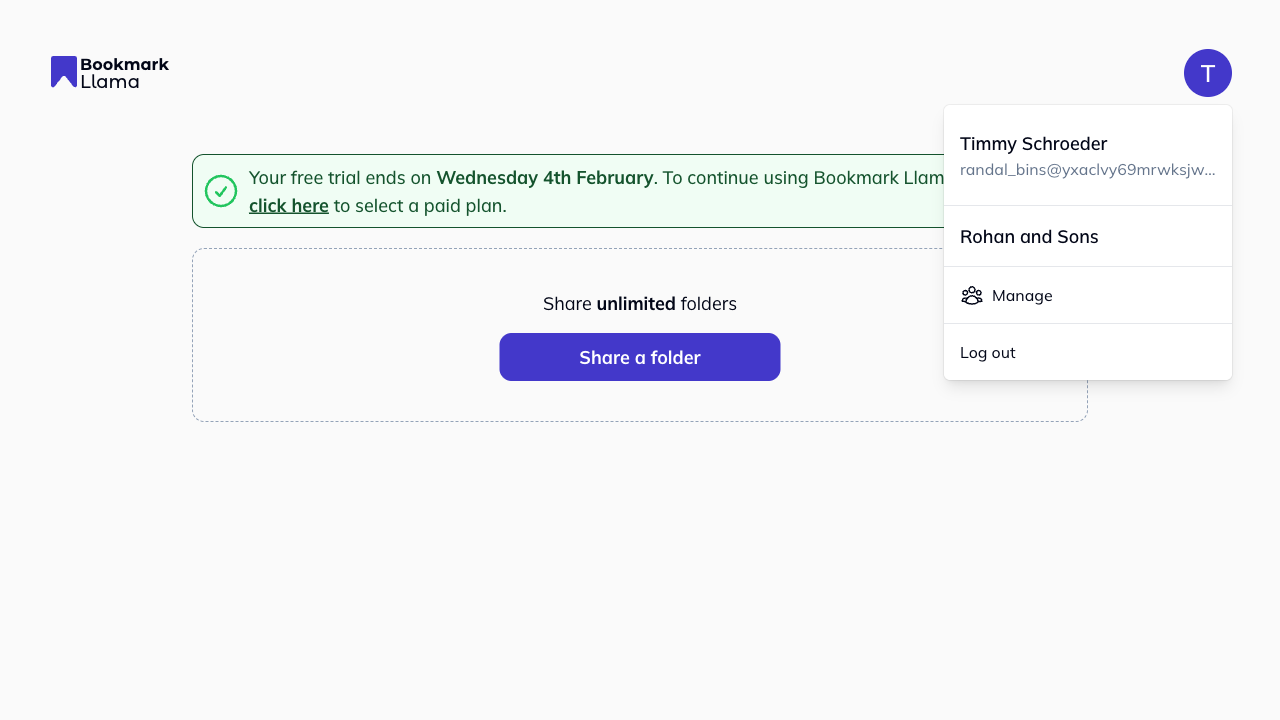
Click your profile icon in the top right corner.
-
Click Manage to open your organization settings.
-
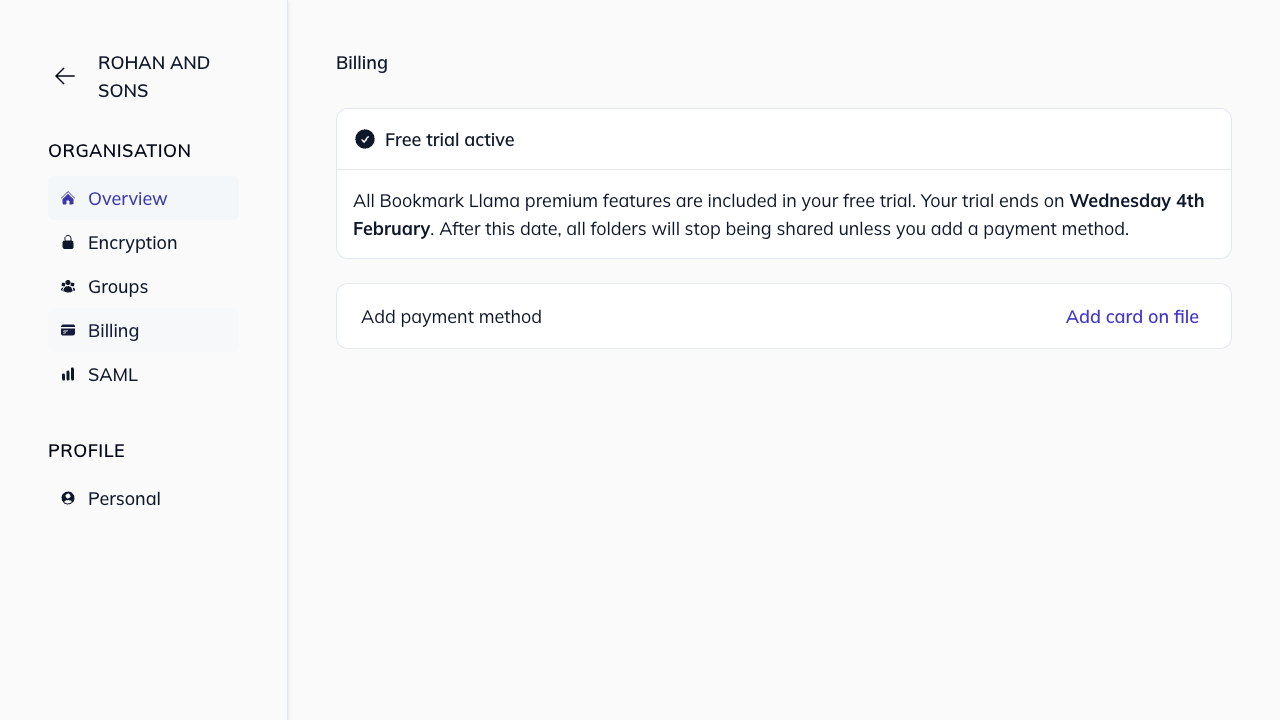
Click Billing in the left-hand sidebar.
What can you do in billing?
From the Billing page, you can:
- Update payment method: Add or change your credit card or payment details.
- View invoices: Access past invoices and payment history.
Who can manage billing?
Only Admins in your organization can access and update billing settings. Members do not have access to the Billing section. See organization permissions for more details on Admin vs Member roles.
What if I am paying by invoice on an Enterprise plan?
If you are paying by invoice, contact our customer support to receive a copy of your invoice.