
Verify your email
When do I need to verify my email?
You may be asked to verify your email when:
- You sign up with email and password instead of using the invite link in your invite email.
- If your team’s email domain is set up for auto-join, you will be asked to verify your email.
How to verify your email
- Complete sign up normally.
- If verification is required, you will see the Check your email screen.
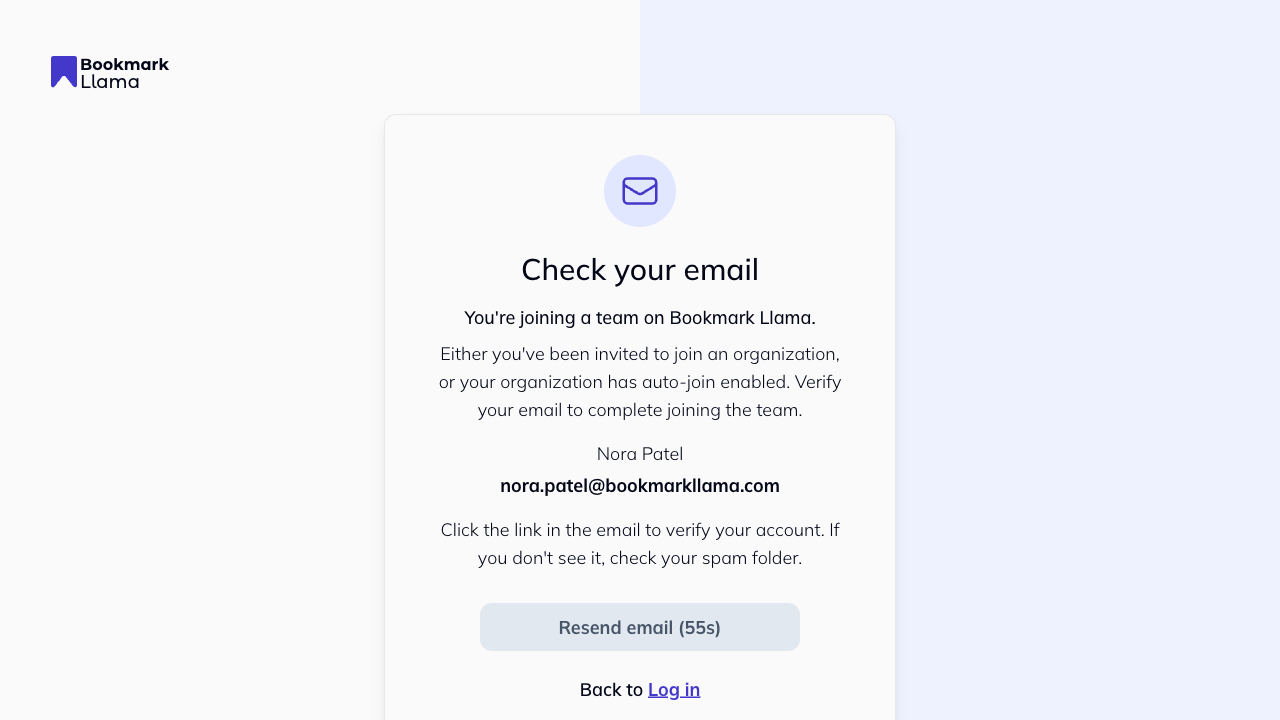
- Open the verification email sent to your inbox.
- Click the verification link in that email.
- You will be redirected back to Bookmark Llama and signed in.
Didn’t receive the email?
- Check your spam or junk folder.
- Confirm you signed up with the expected work email.
- On the verification screen, wait for the resend timer, then click Resend verification email.