
Team access
What is Team Access?
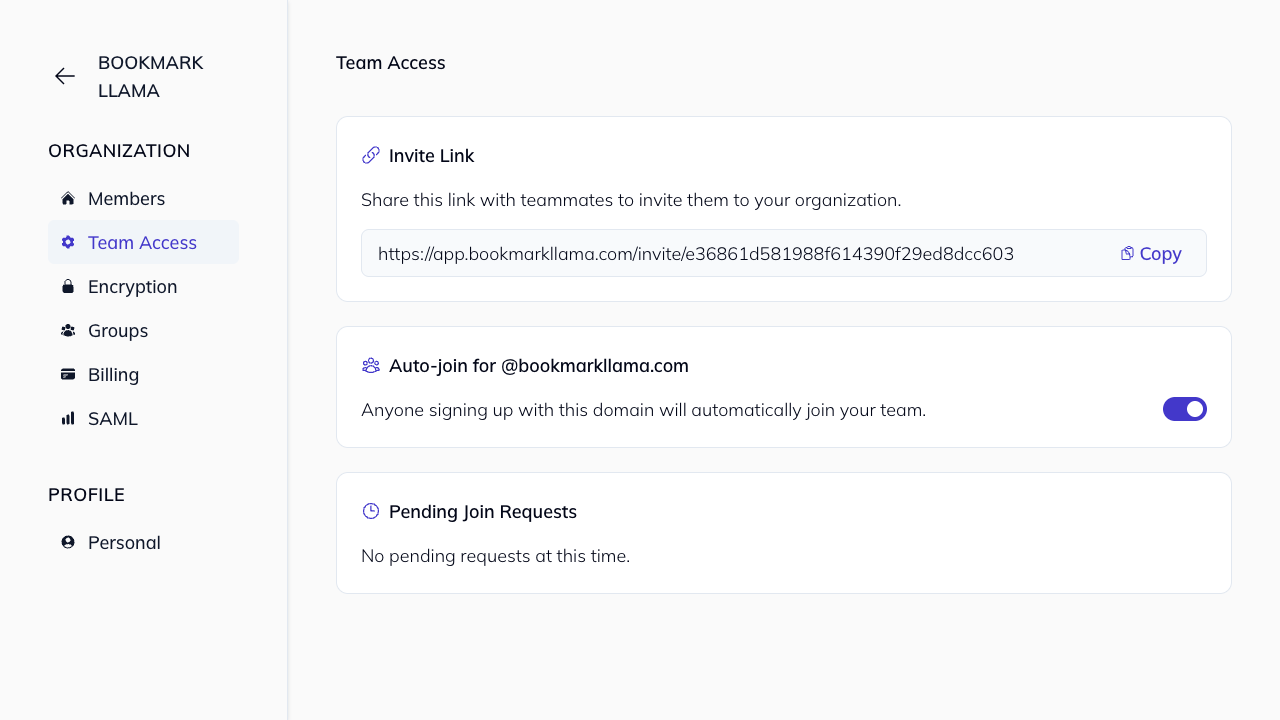
The Team Access page centralizes how people join your organization. From this page, admins can:
- Share an organization invite link.
- Configure auto-join by email domain.
- Review and respond to pending join requests.
Only organization admins can manage Team Access settings.
Open Team Access
- Go to your dashboard at app.bookmarkllama.com.
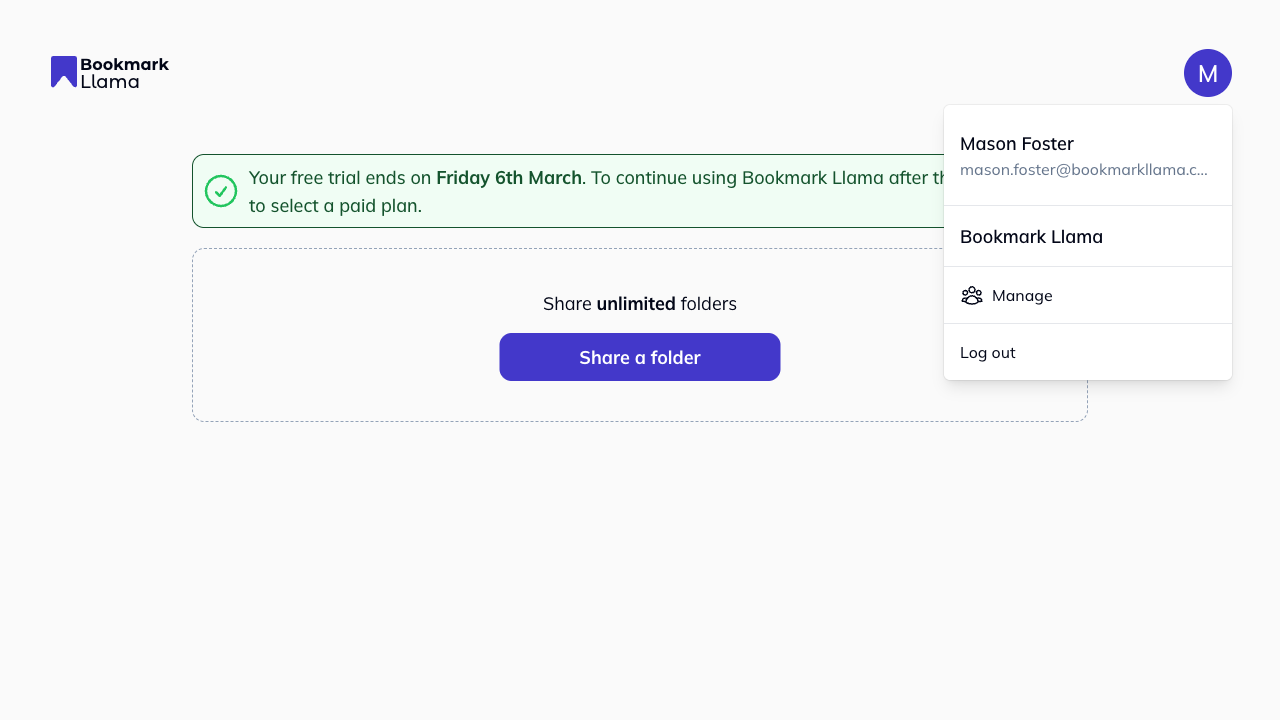
- Click your profile icon in the top right corner, then click Manage.
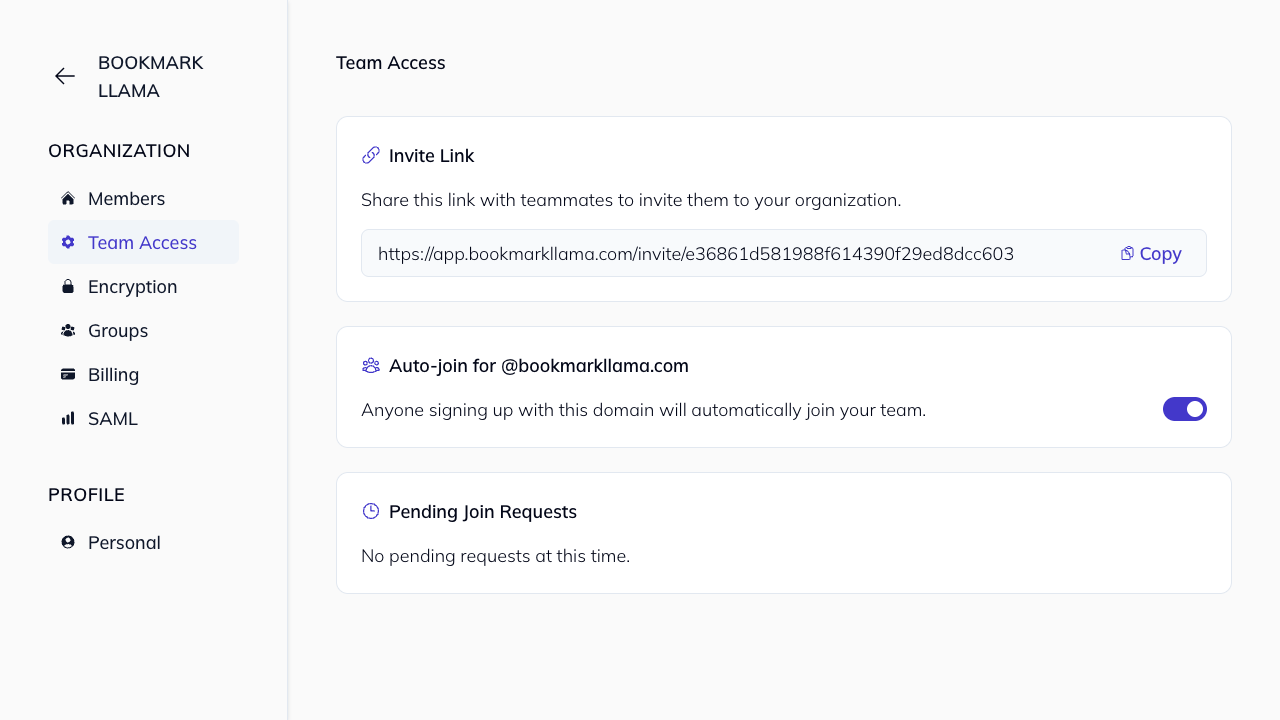
- In the organization sidebar, click Team Access.
Invite teammates with the invite link
Use the Invite Link section to copy and share a reusable invitation link.
- Anyone with the link can open it and join your organization.
- If the invitee is new, they complete sign up first.
- If prompted, they verify their email before access is granted.
Enable auto-join for your company domain
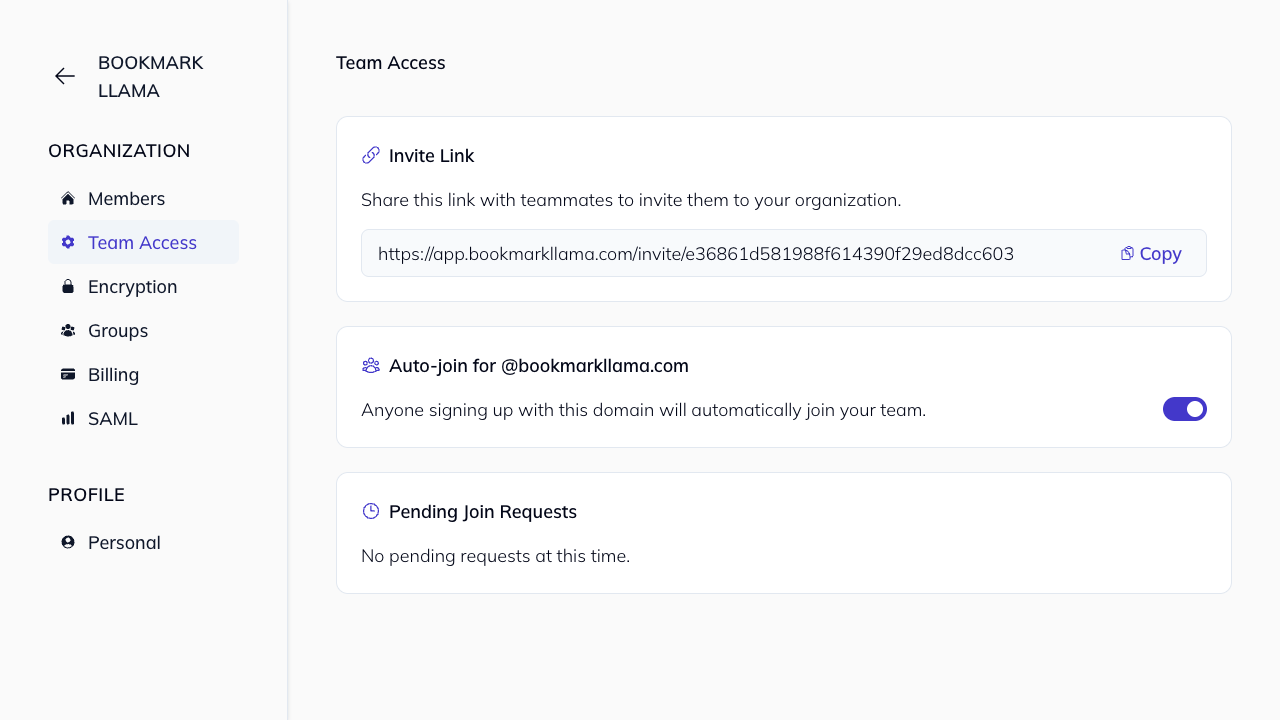
If your team uses a company email domain, you can enable Auto-join so new users with that domain join automatically.
- Example: users signing up with
@yourcompany.comare added to your organization. - Turn off auto-join at any time from the same page.
Review pending join requests
Users can request access to your team from onboarding. When they do:
- Admins receive an email notification.
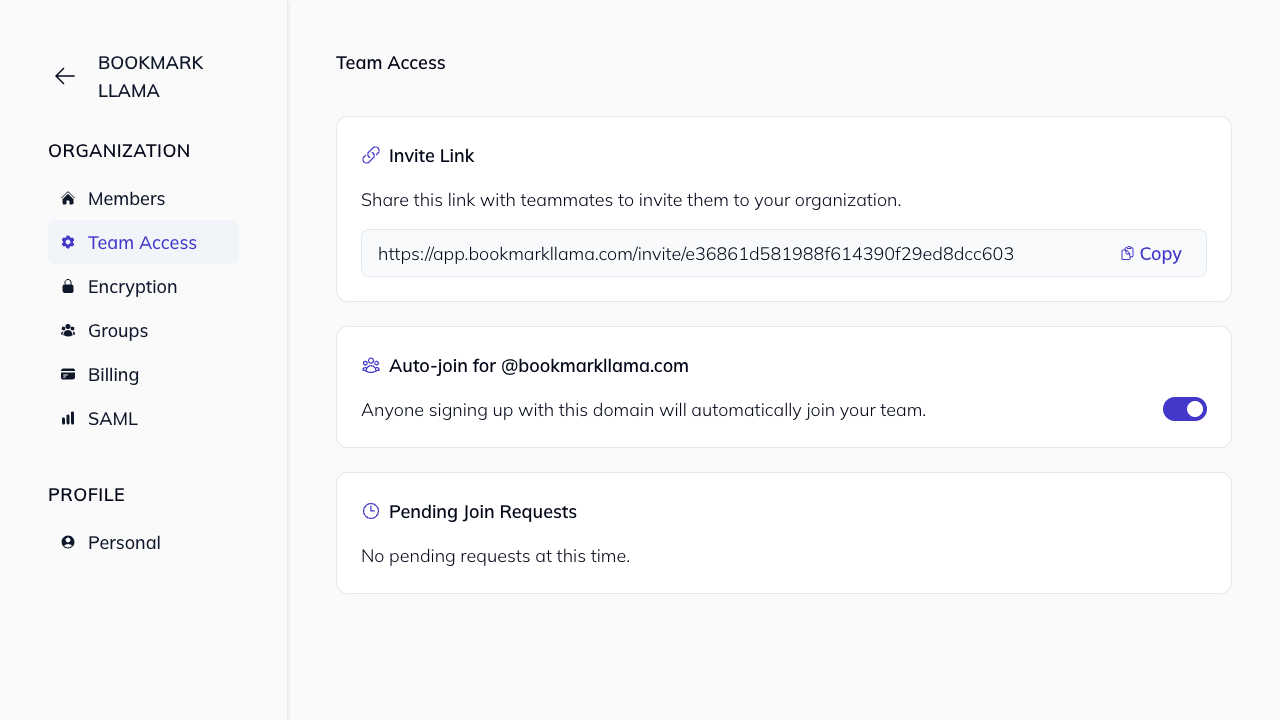
- The request appears in Pending Join Requests on Team Access.
- Admins can approve or reject each request.
For a full walkthrough of approval actions, see Join Team Requests.