
What is an organization?
An organization is your team’s workspace in Bookmark Llama. It’s where you manage team members, encryption, groups, and billing. When you sign up as a first user, you’re creating an organization.
What can you do with an organization?
- Manage team members: Invite people to join your organization and collaborate on shared folders.
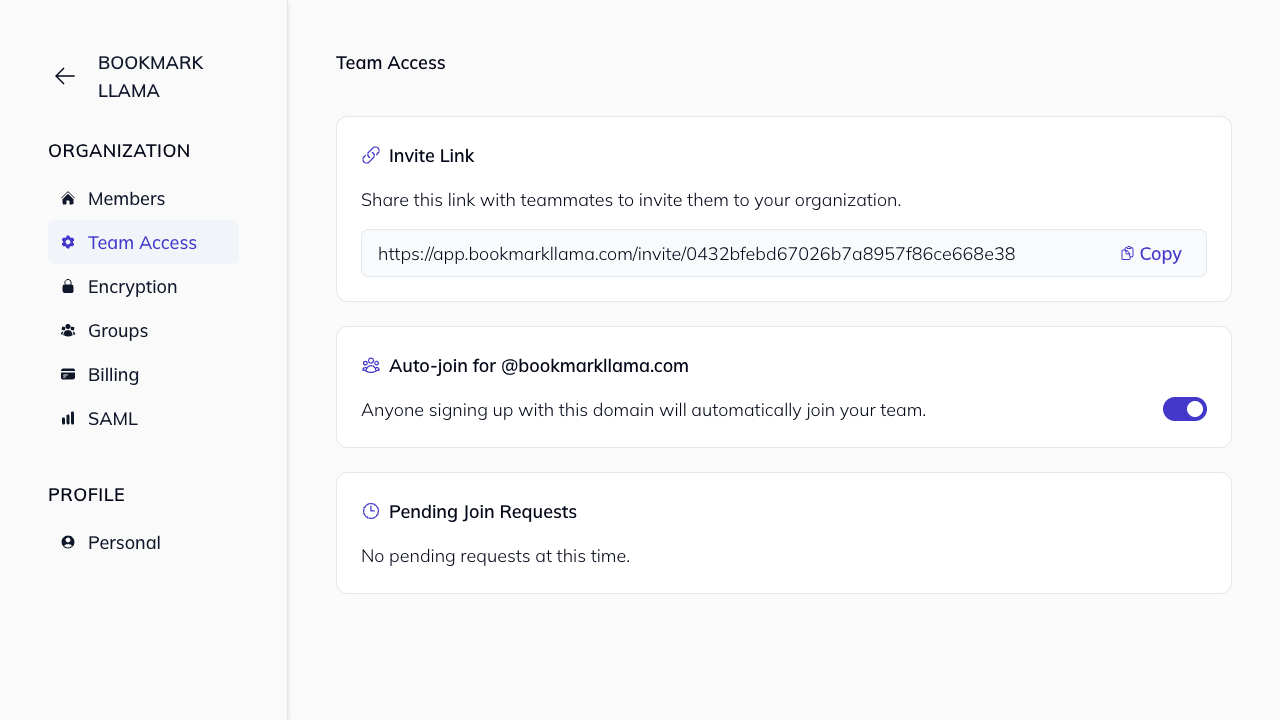
- Team access controls: Manage invite links, auto-join domains, and pending join requests. See the team access guide.
- Create groups: Organize team members into groups for easier permission management. See our groups guide for more details.
- Share folders: Share bookmark folders with anyone in your organization.
- Control access: Set organization-wide roles (Admin or Member) to control who can manage settings, see our organization permissions guide.
- Manage billing: View and update your subscription and payment details, see our billing guide.
How to access your organization settings
-
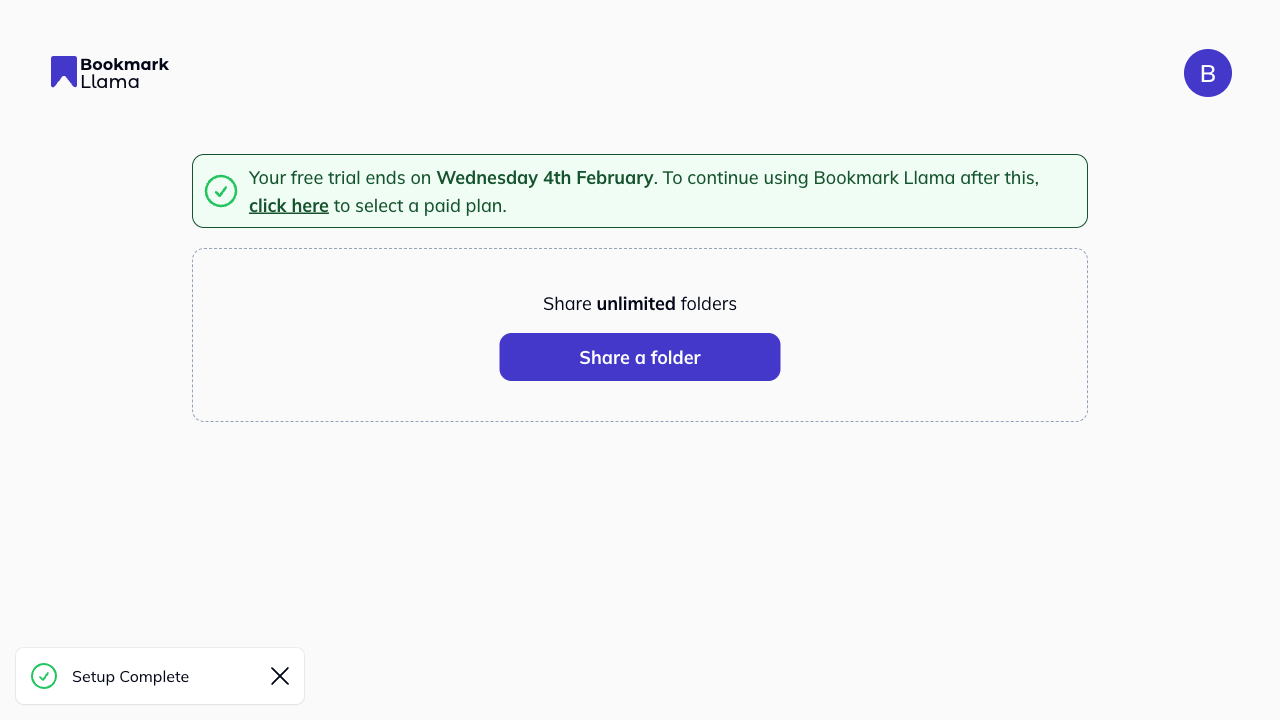
Go to your dashboard at app.bookmarkllama.com.
-
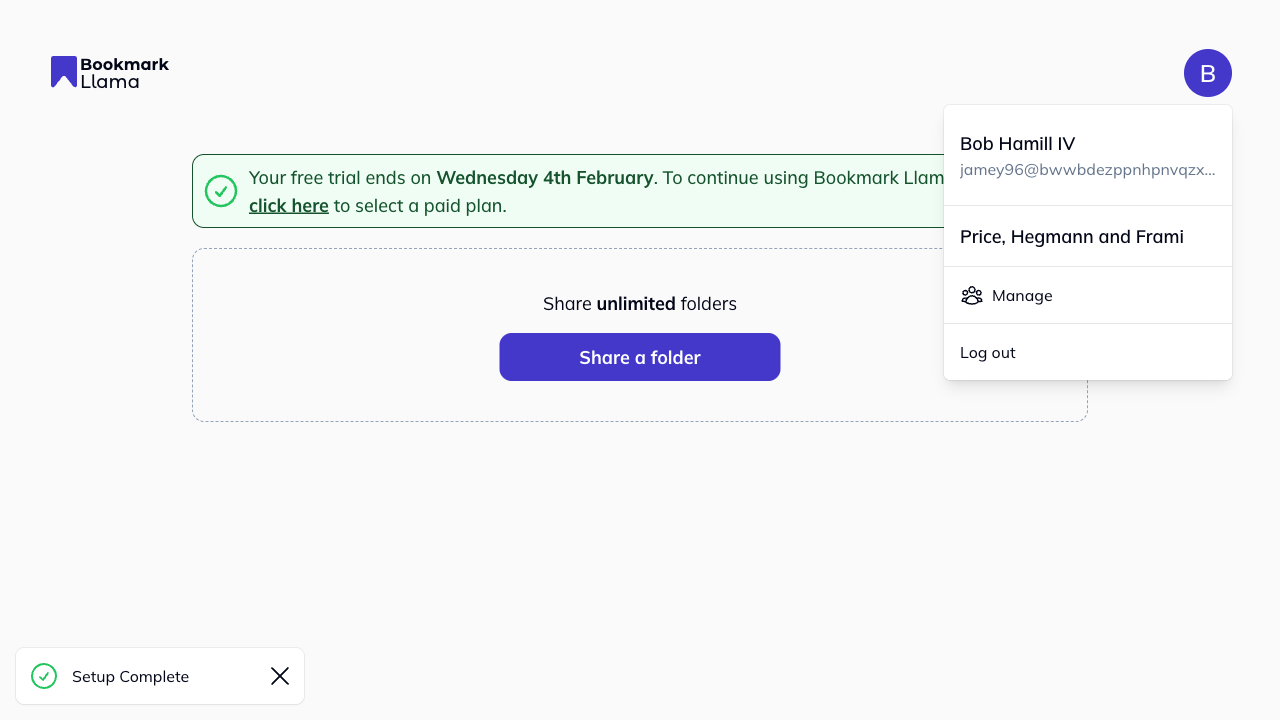
Click your profile icon in the top right corner.
-
Click Manage to open your organization settings.
From here, you can access:
-
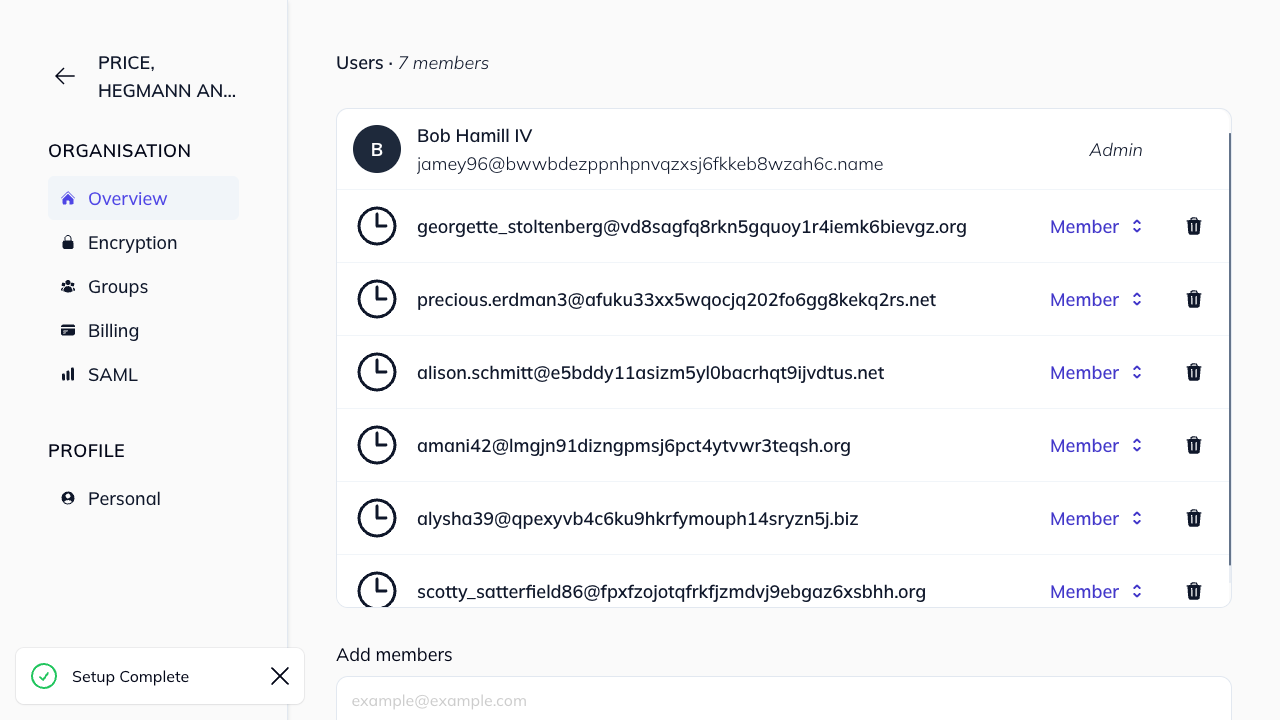
Overview: View and manage organization members
-
Team Access: Manage invite links, auto-join, and pending join requests
-
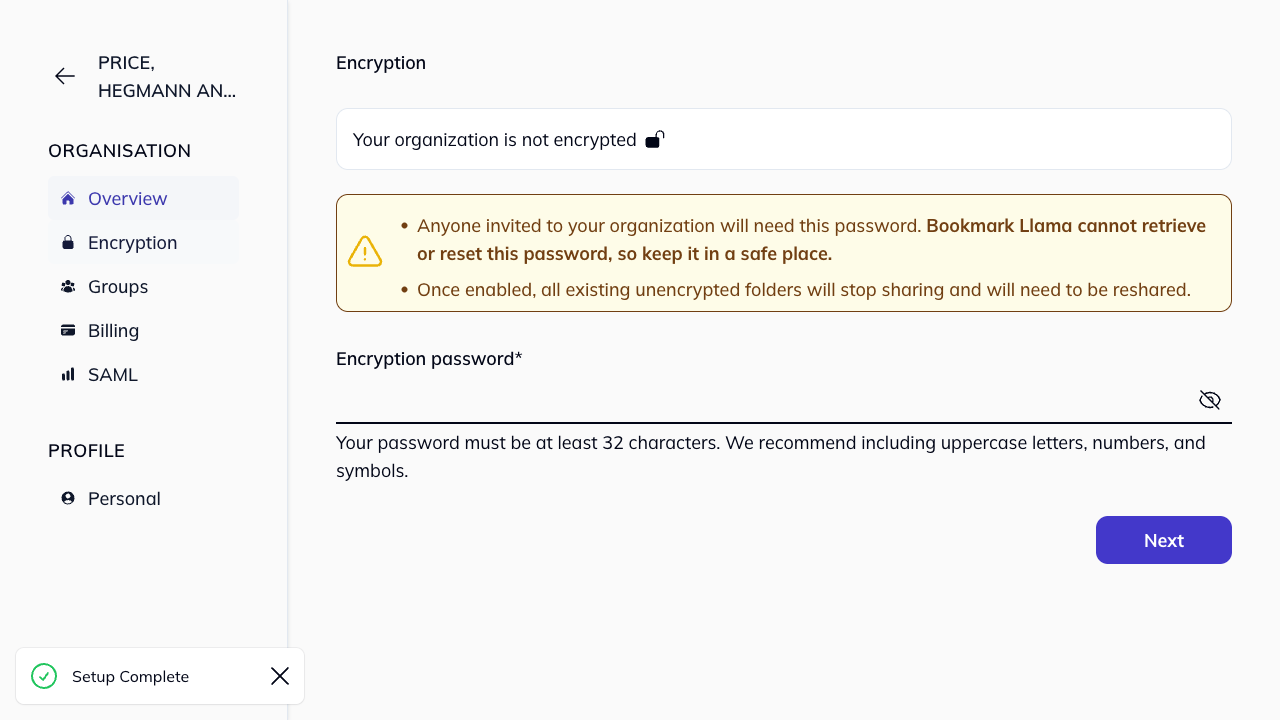
Encryption: Manage encryption settings (Teams Plan feature)
-
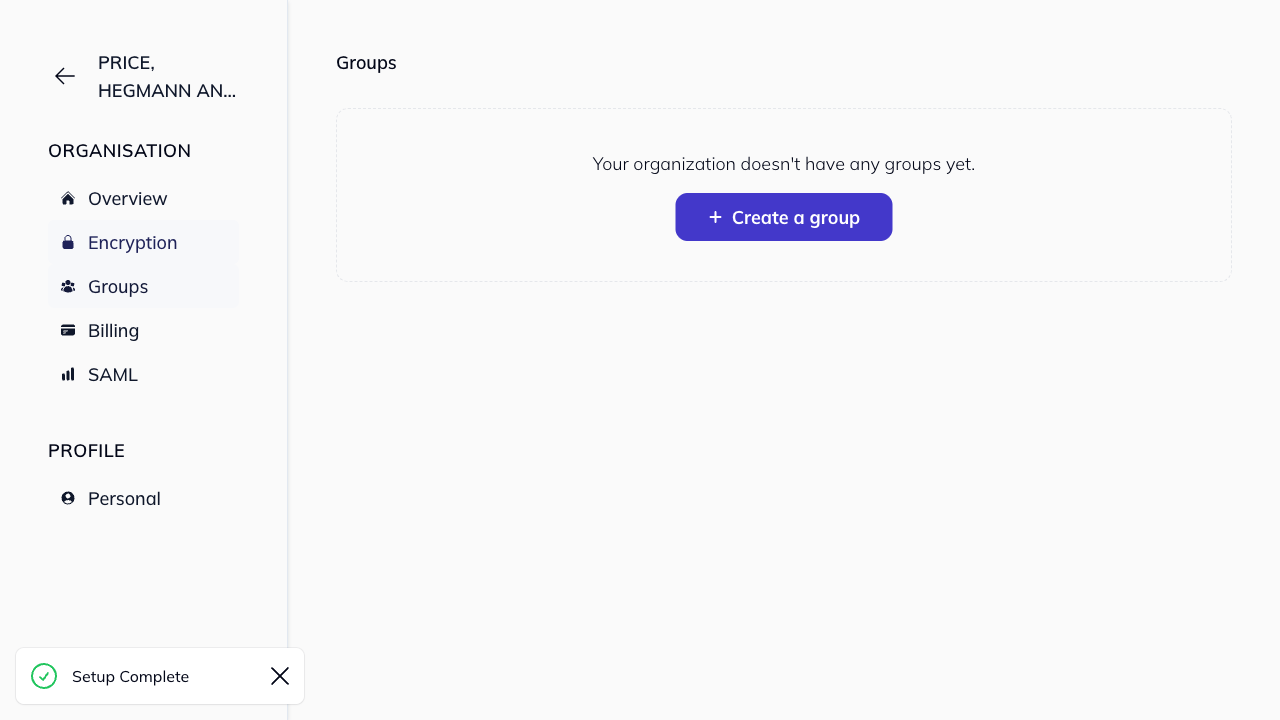
Groups: Create and manage user groups
-
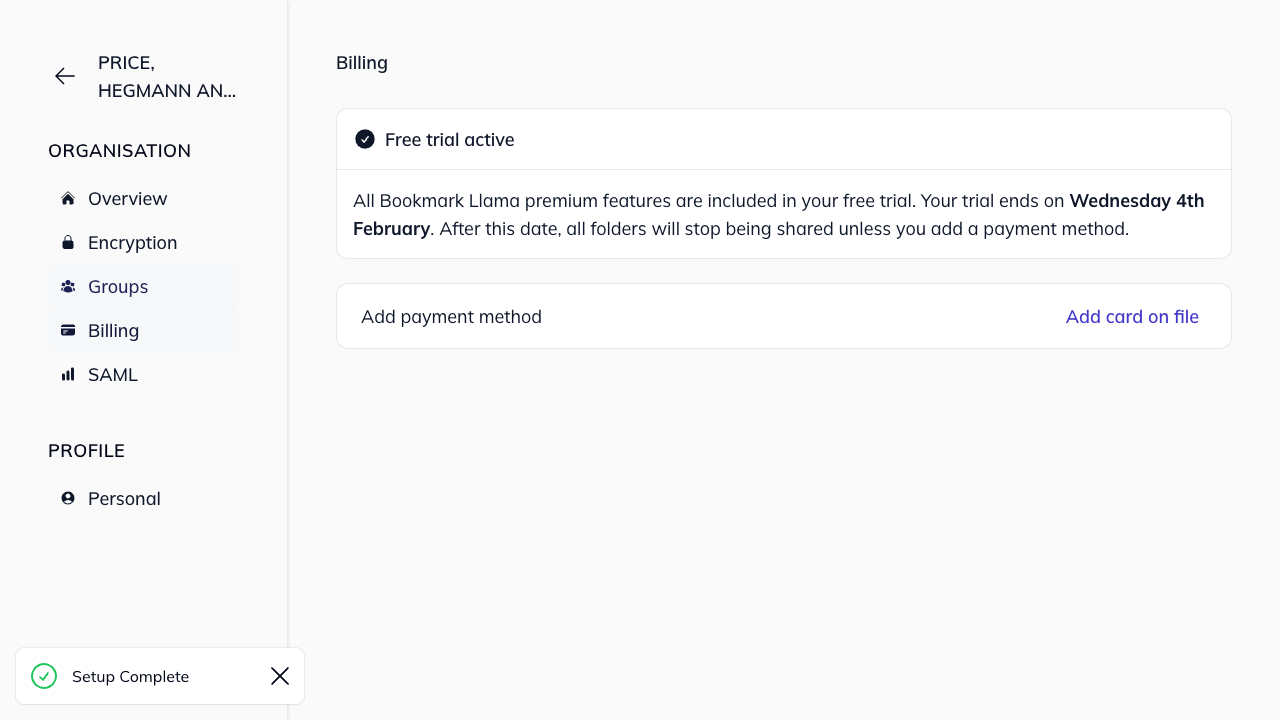
Billing: View and update your subscription
-
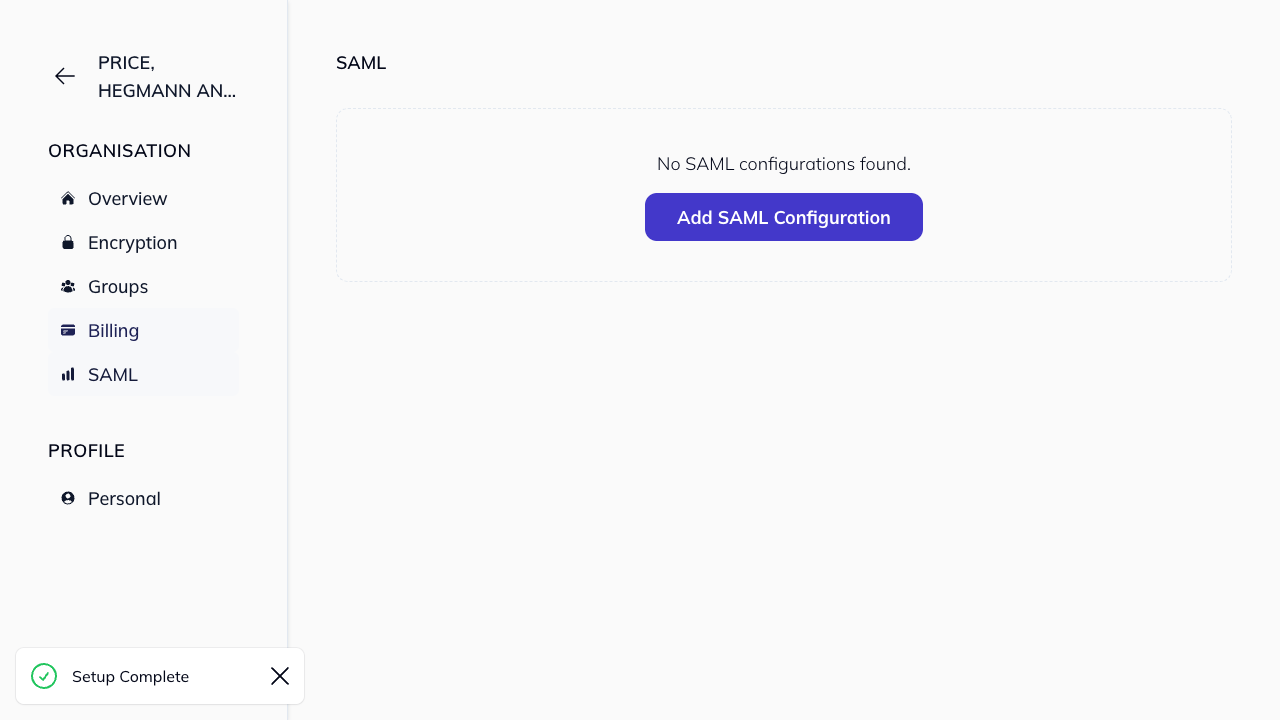
SAML: Configure single sign-on (enterprise feature)
These features can be managed by an organization admin, for more information on organization permissions, please see our organization permissions guide.
Organization vs shared folders
Your organization is the container for all your team’s activity. Shared folders exist within your organization and can be shared with any organization member. You can have multiple shared folders within one organization, each with different members and permission levels.