
Join an existing team
Before you start
- Use your work email if possible.
- Ask an admin which team domain you should use.
- If needed, you may be asked to verify your email.
Route 1: Your domain already matches a team
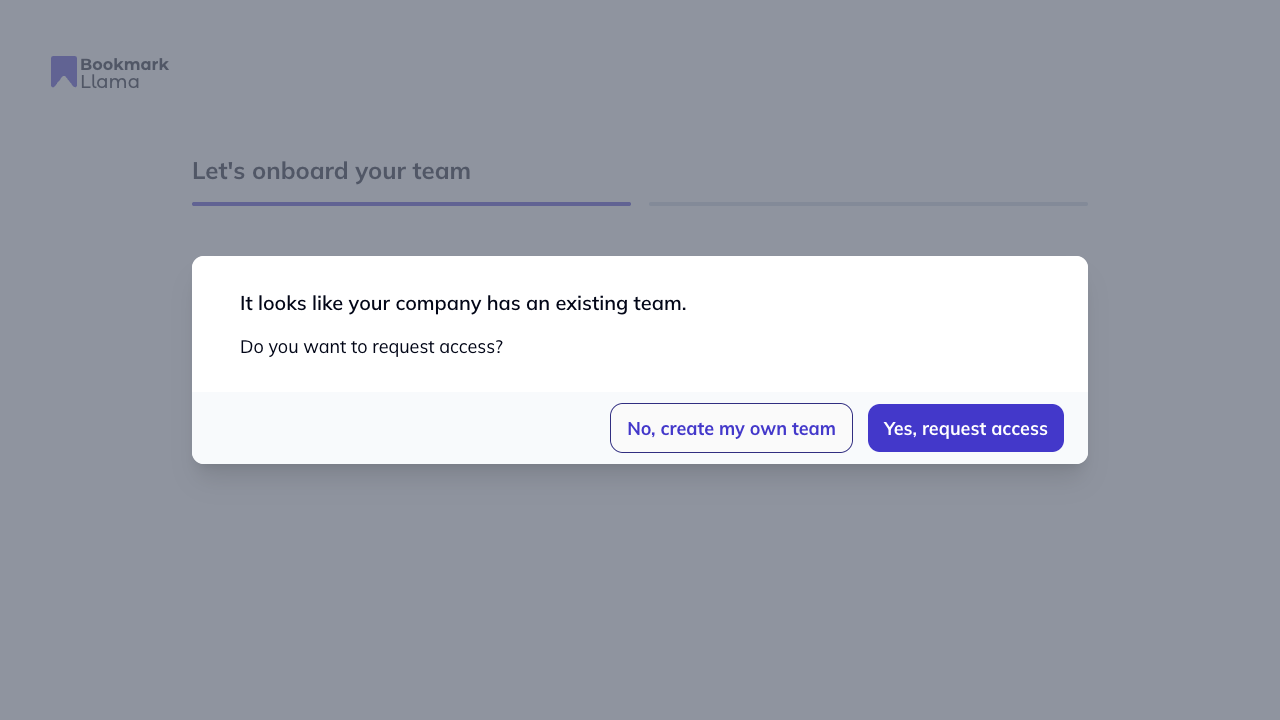
If Bookmark Llama detects an existing team for your email domain during signup:
- Complete account creation.
- On the onboarding prompt, click Yes, request access.
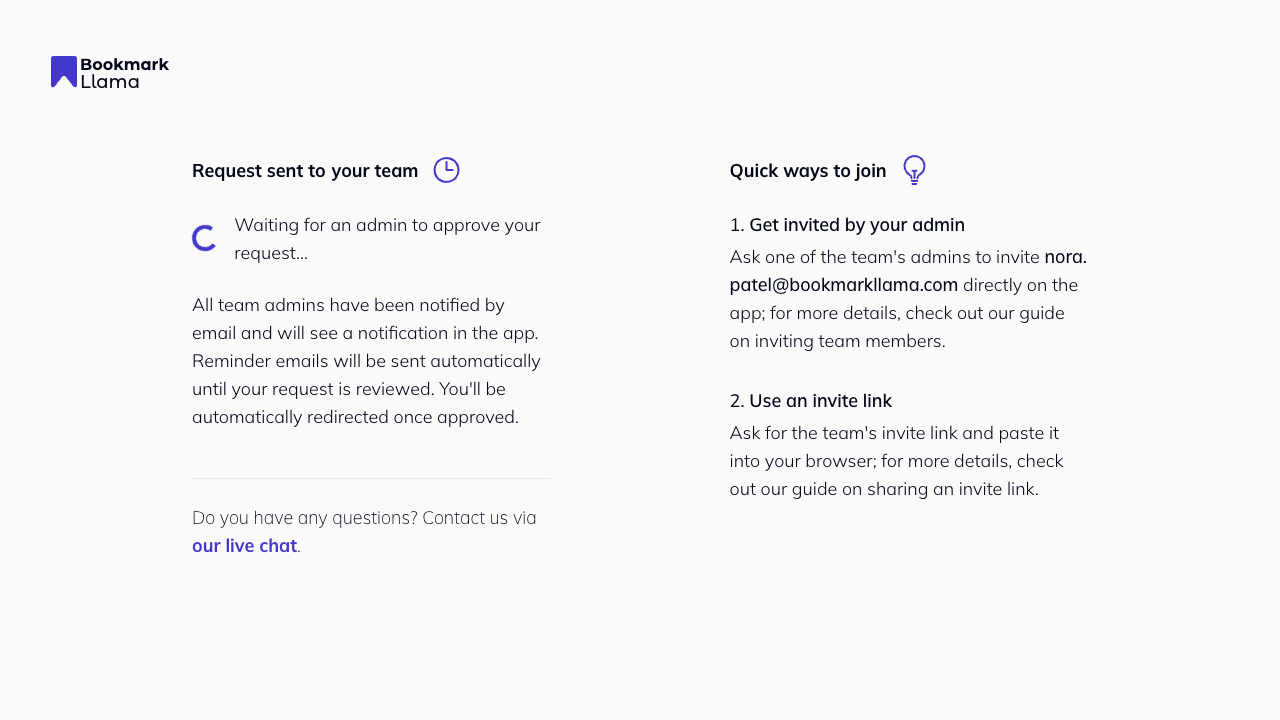
- You will land on Request sent while admins review your request.
Route 2: Your signup email does not match a team
If your current signup email does not automatically match a team:
- On onboarding, click Join existing team.
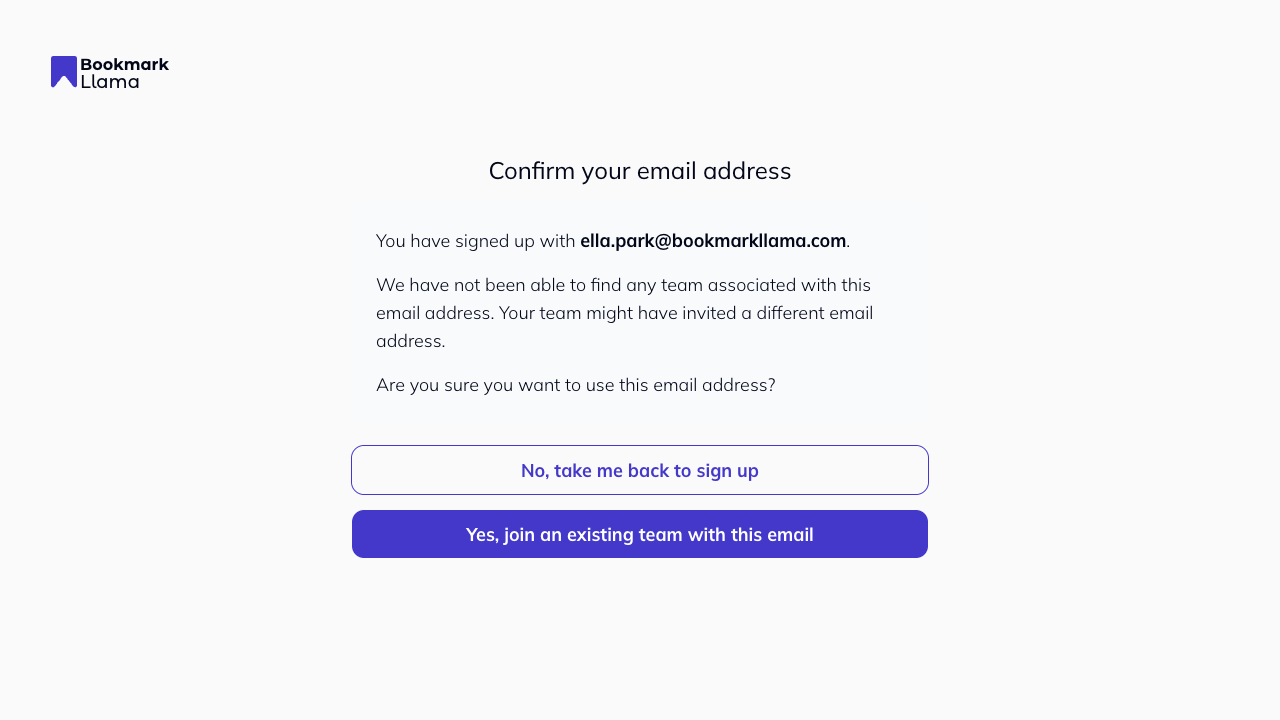
- Review the confirmation screen, then click Yes, join an existing team with this email.
- On Request to join, enter your team’s domain.
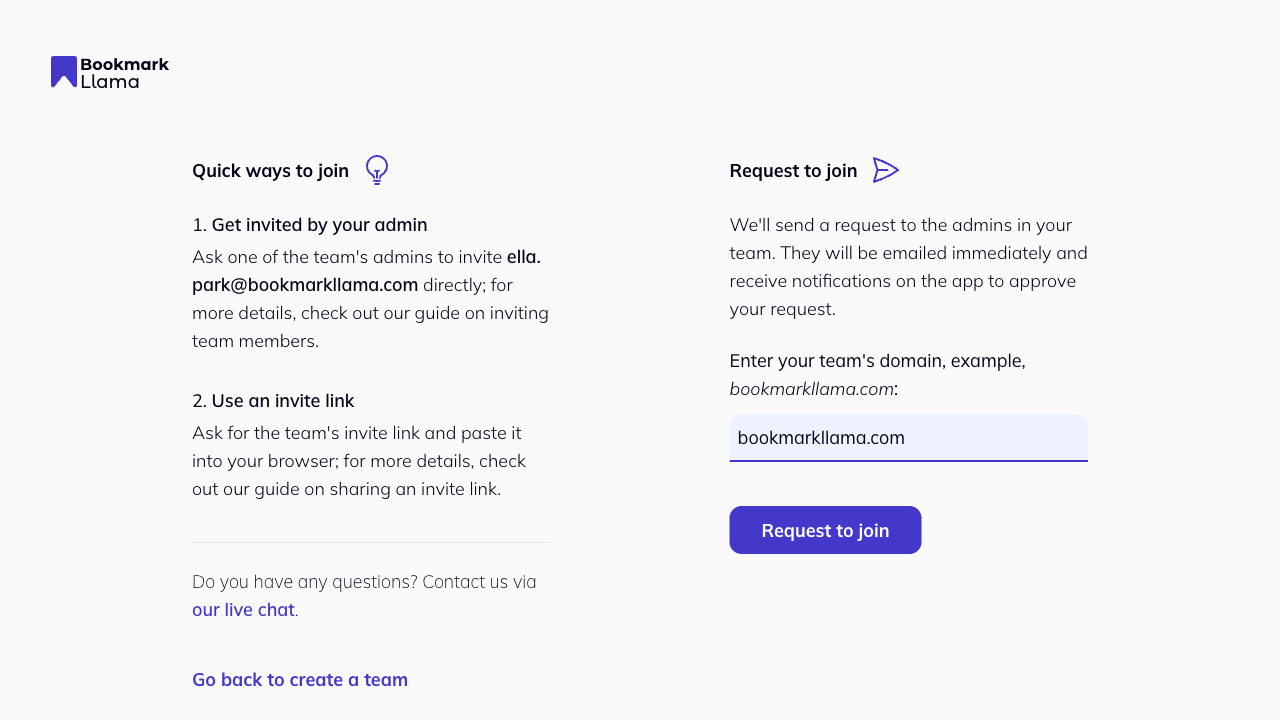
- Click Request to join.
- You will land on the pending screen while admins review your request.
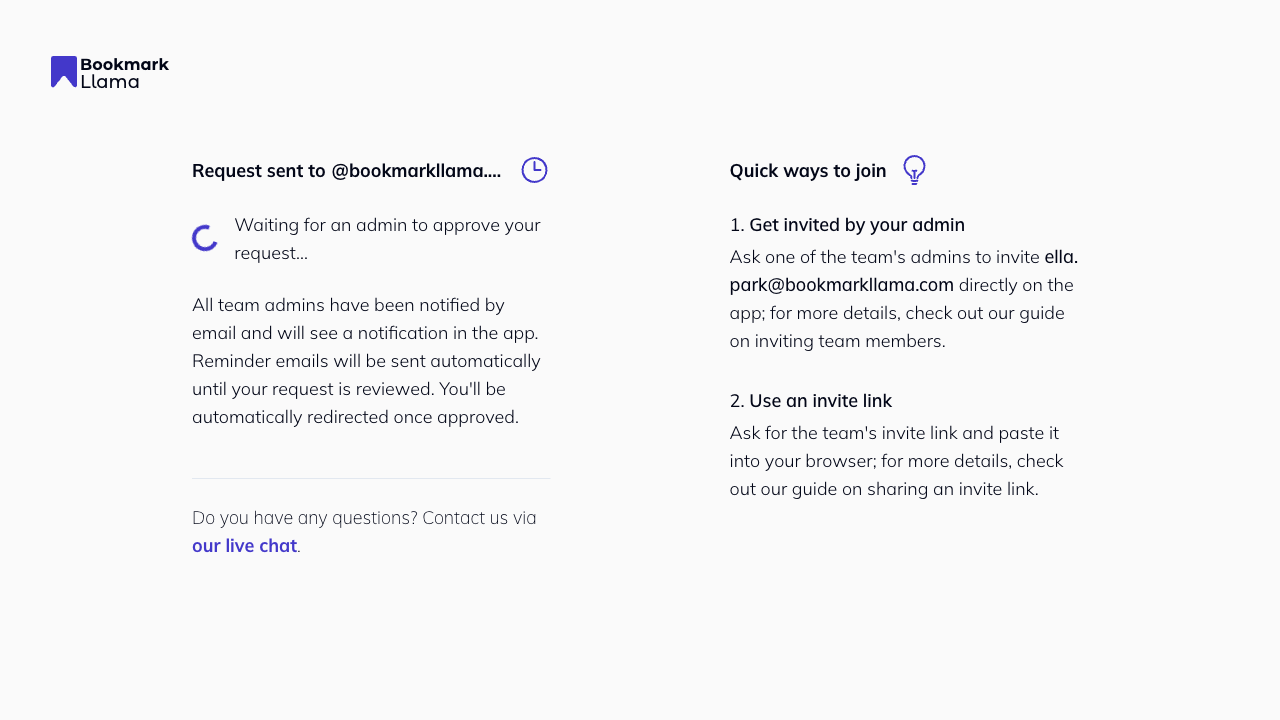
What happens next
- All organization admins are notified.
- Your request appears in Team Access under Pending Join Requests.
- You are redirected automatically when approved.
See Join Team Requests for the admin side.