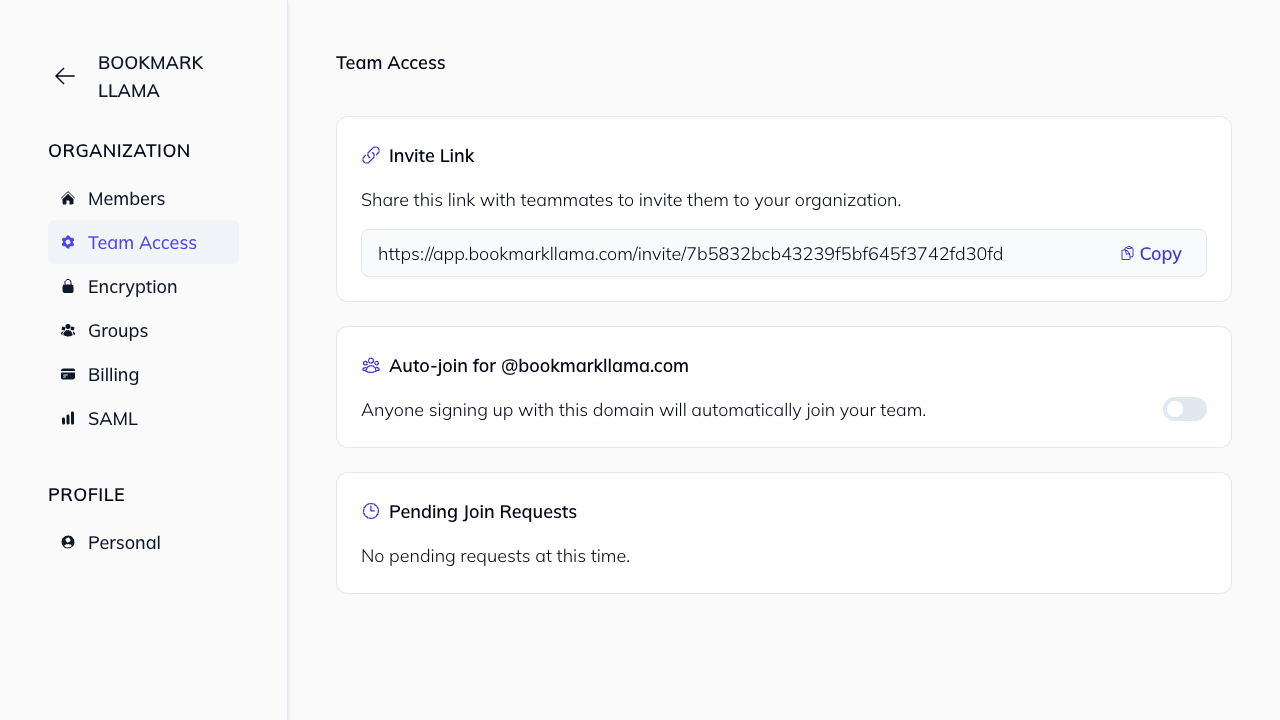
Join Team Requests
Only organization admins can approve or reject join requests.
Review requests in Team Access
- Go to Manage from your profile menu.
- Open Team Access in the organization sidebar.
- In Pending Join Requests, find the requester by email.
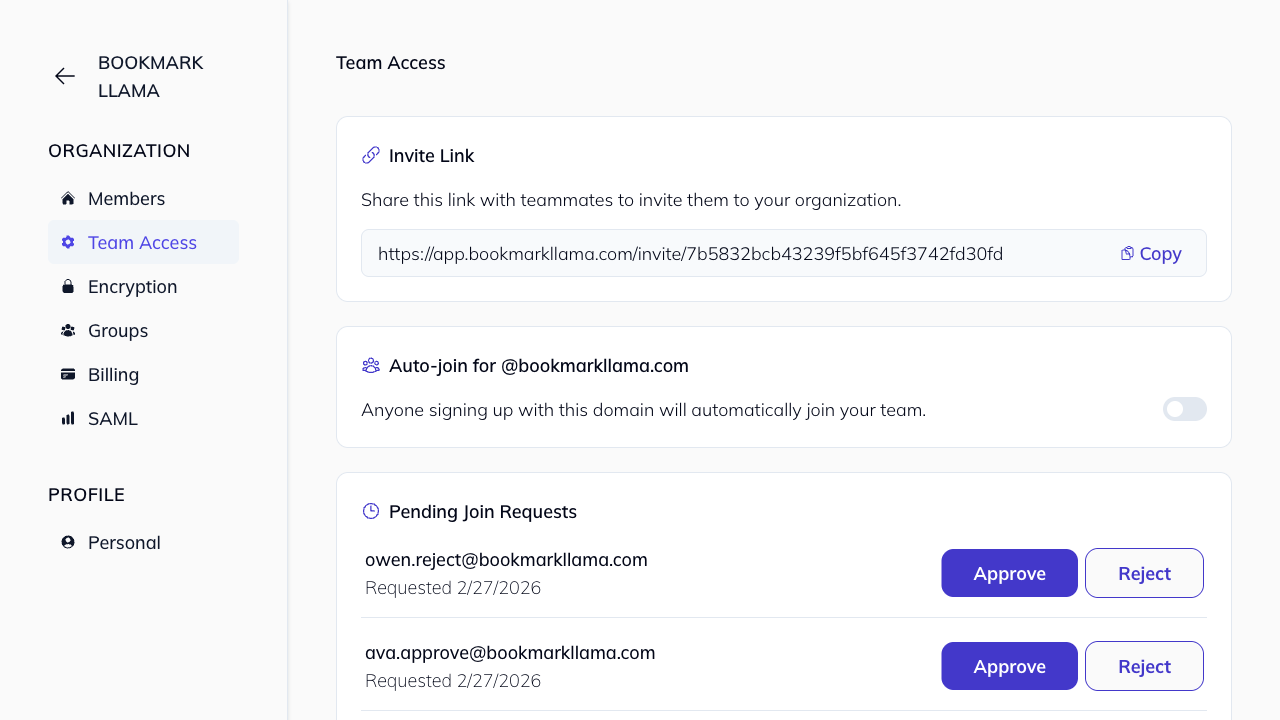
Approve a request
- Click Approve on the request row.
- The request is removed from pending and the user can join the team.
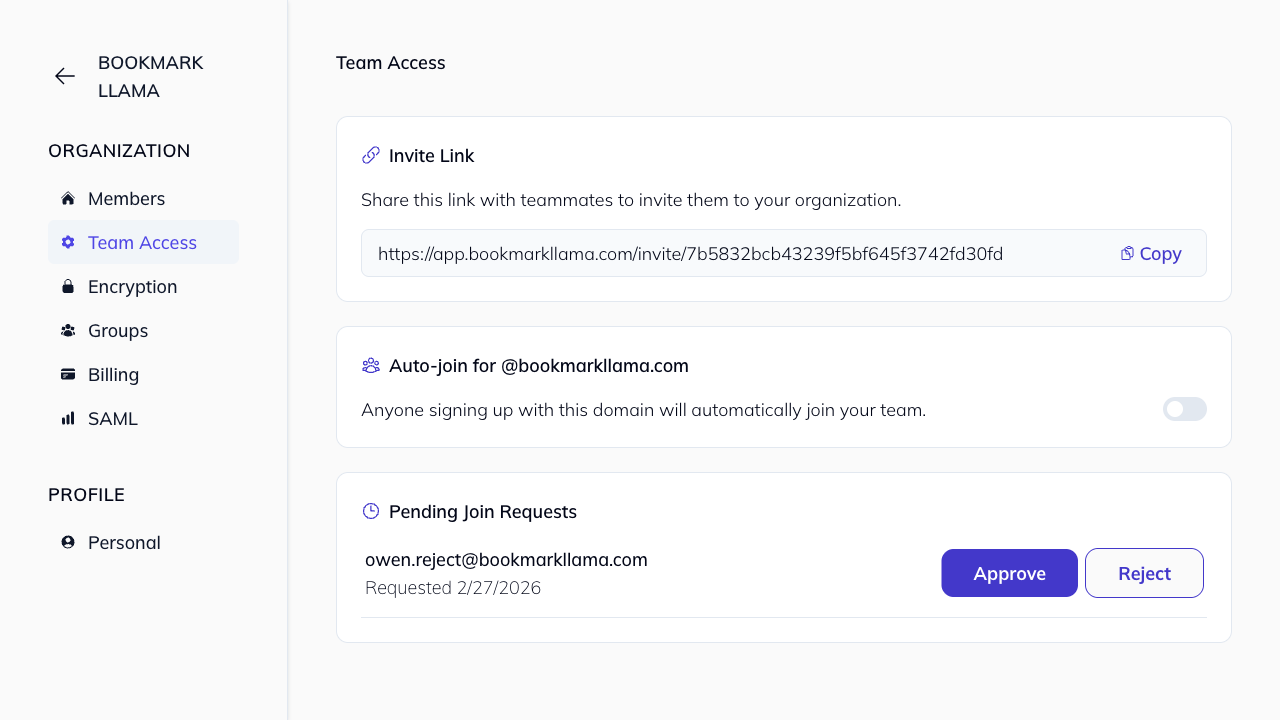
Deny a request
- Click Reject on the request row.
- The request is removed and the user is not added to your team.