
Delete your account
What happens when you delete your account?
Deleting your account is permanent and cannot be undone. When you delete your account:
- Your personal profile and settings are permanently removed.
- You lose access to all shared folders.
- Your bookmarks from shared folders that you have been invited to are removed from your browser.
Warning: Account deletion is permanent. All your data will be removed and cannot be recovered. Make sure you want to proceed before deleting your account.
How to delete your account
-
Go to your dashboard at app.bookmarkllama.com.
-
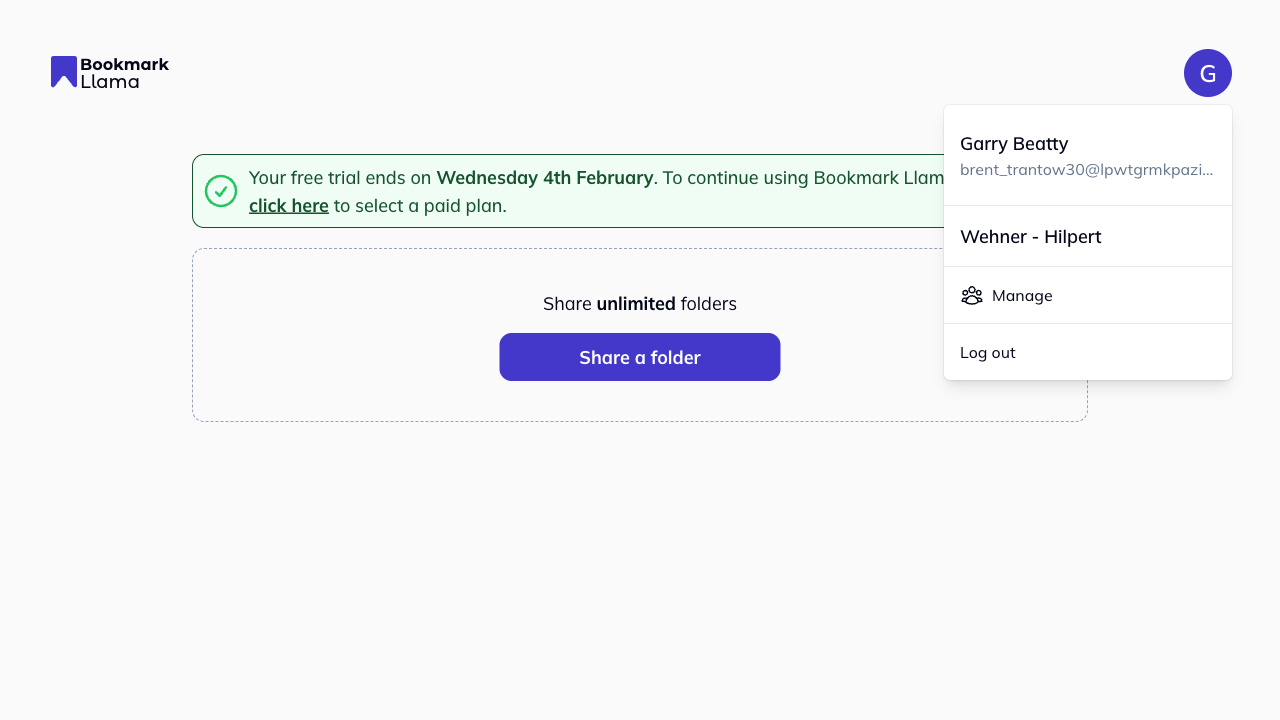
Click your profile icon in the top right corner.
-
Click Manage to open your settings.
-
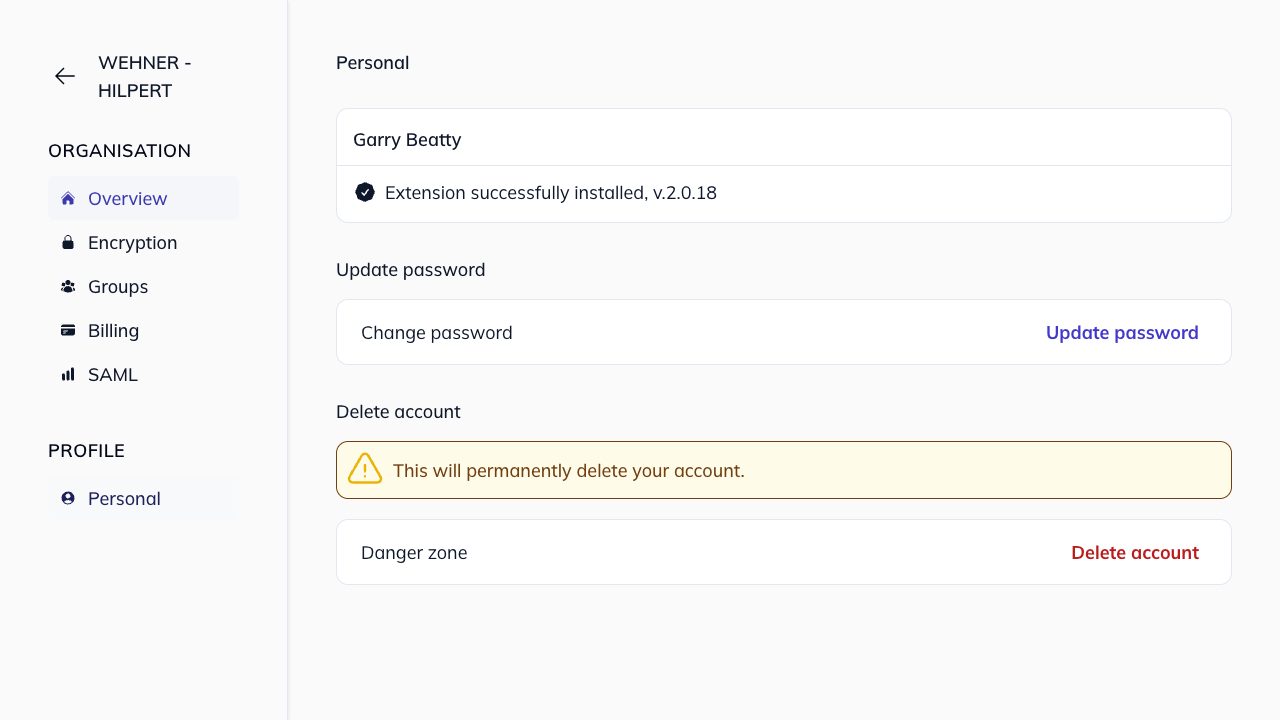
Click Personal in the left-hand sidebar under Profile.
-
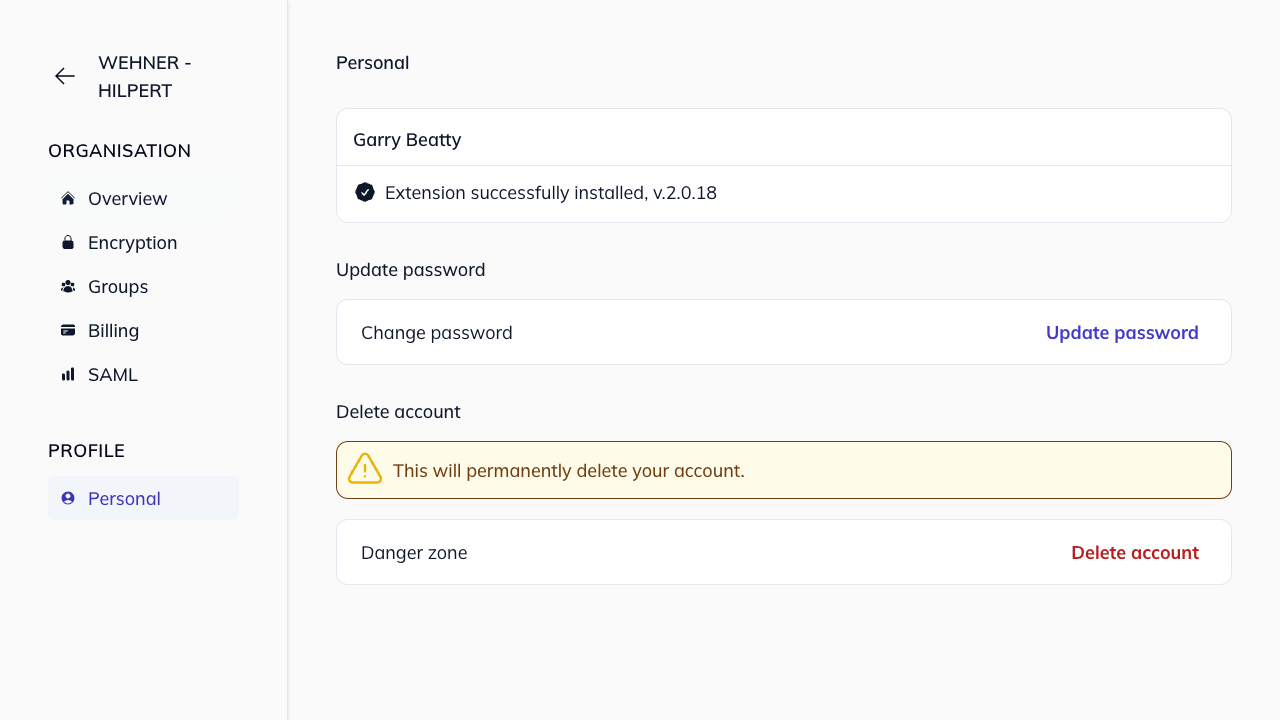
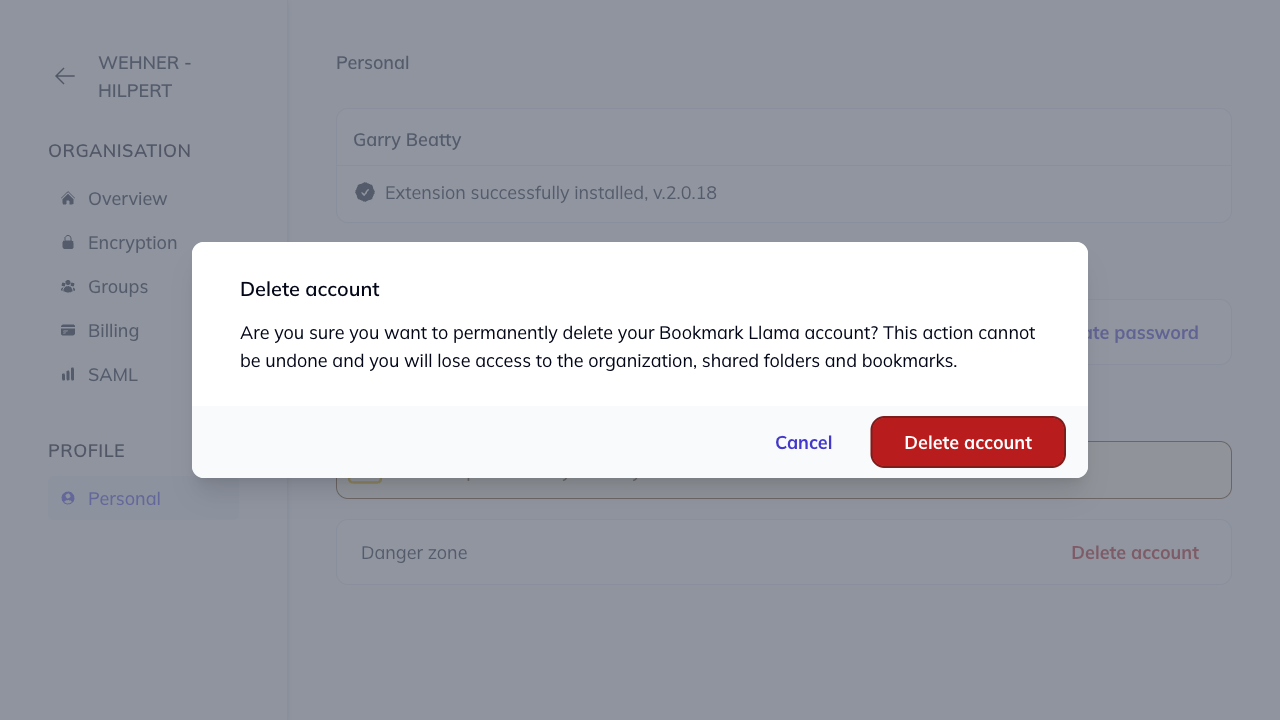
In the Delete account section (Danger zone), click Delete account.
-
A confirmation modal will appear: “Are you sure you want to permanently delete your Bookmark Llama account? This action cannot be undone and you will lose access to the organization, shared folders and bookmarks.”
-
Click Delete account to confirm, or Cancel to go back.
After deletion
Once your account is deleted:
- You’ll be signed out immediately.
- Your email can be used to create a new account in the future, but none of your previous data will be restored.
- Shared folders you had access to will continue to exist for other members.
Can I recover a deleted account?
No. Account deletion is permanent and cannot be reversed. If you deleted your account by mistake, you’ll need to create a new account and request access to any shared folders again.
Need help?
If you’re having trouble deleting your account or have questions, contact Bookmark Llama support.