
Update your password
How to update your password
You can change your Bookmark Llama password at any time from your personal settings.
-
Go to your dashboard at app.bookmarkllama.com.
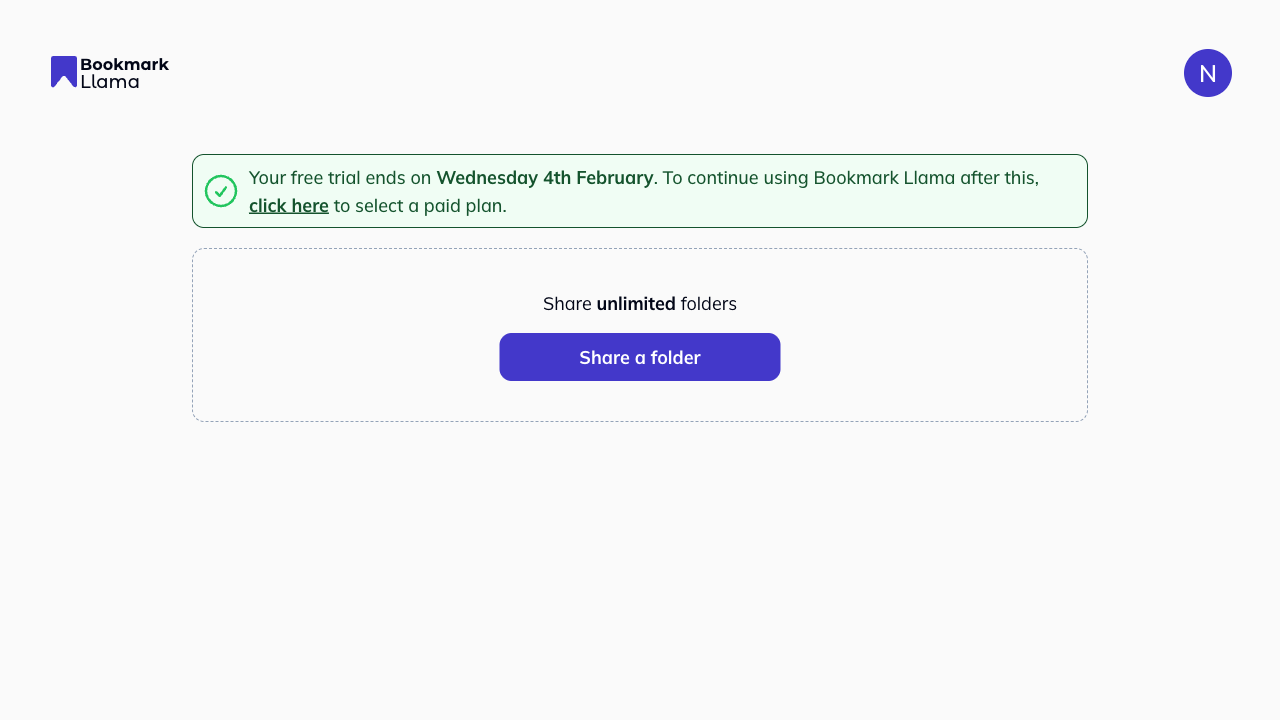
-
Click your profile icon in the top right corner.
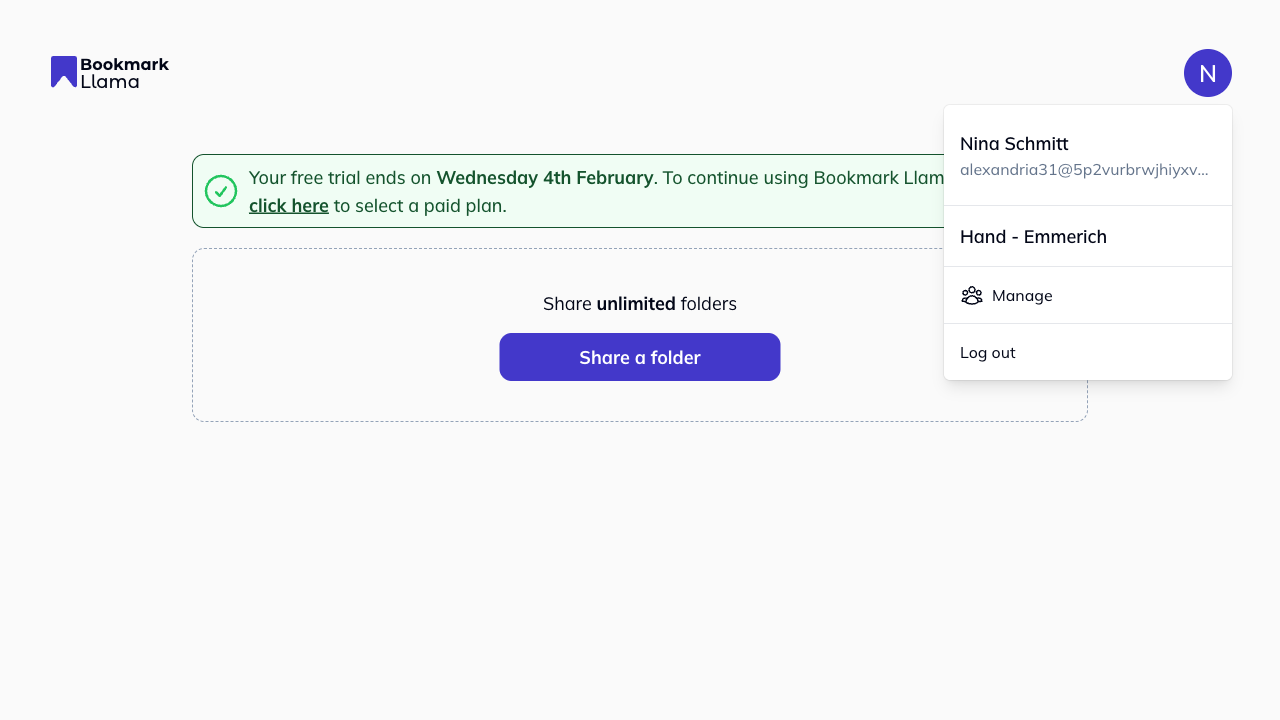
-
Click Manage to open your settings.
-
Click Personal in the left-hand sidebar under Profile.
-
In the Update password section, click Update password.
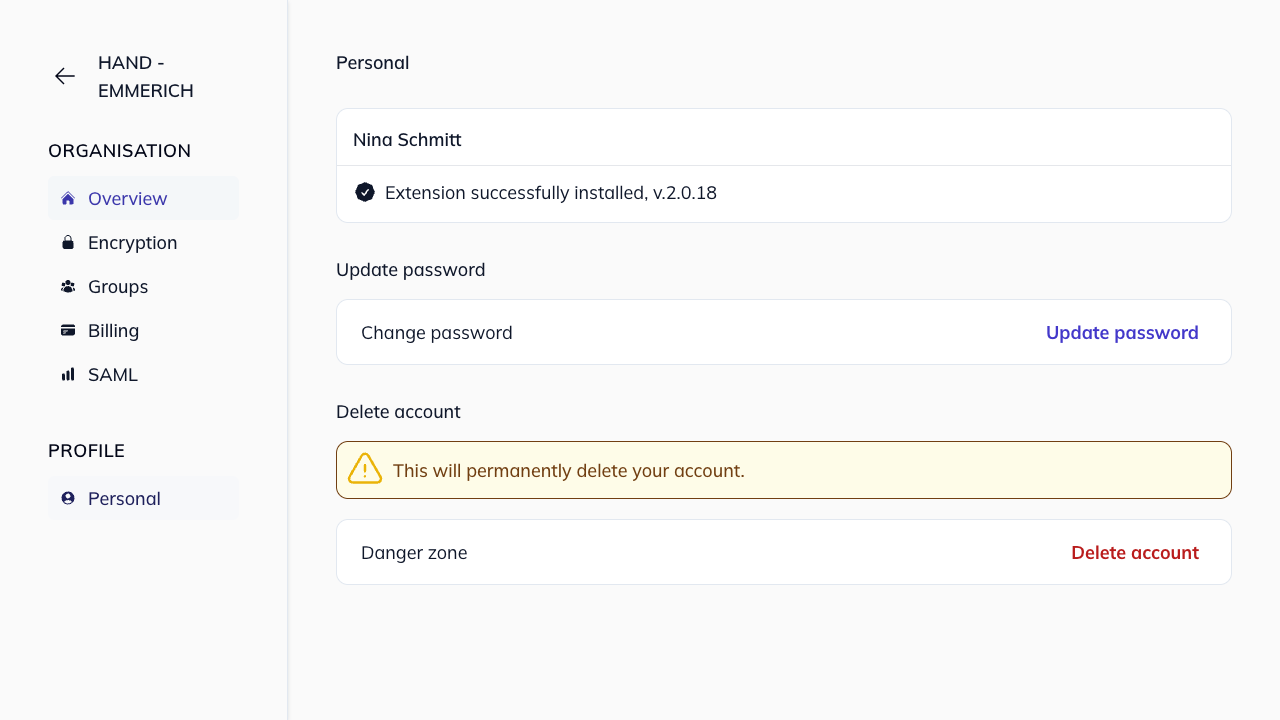
-
A modal will appear with two fields:
- Current password: Enter your current password.
- New password: Enter your new password (must be at least 6 characters long).
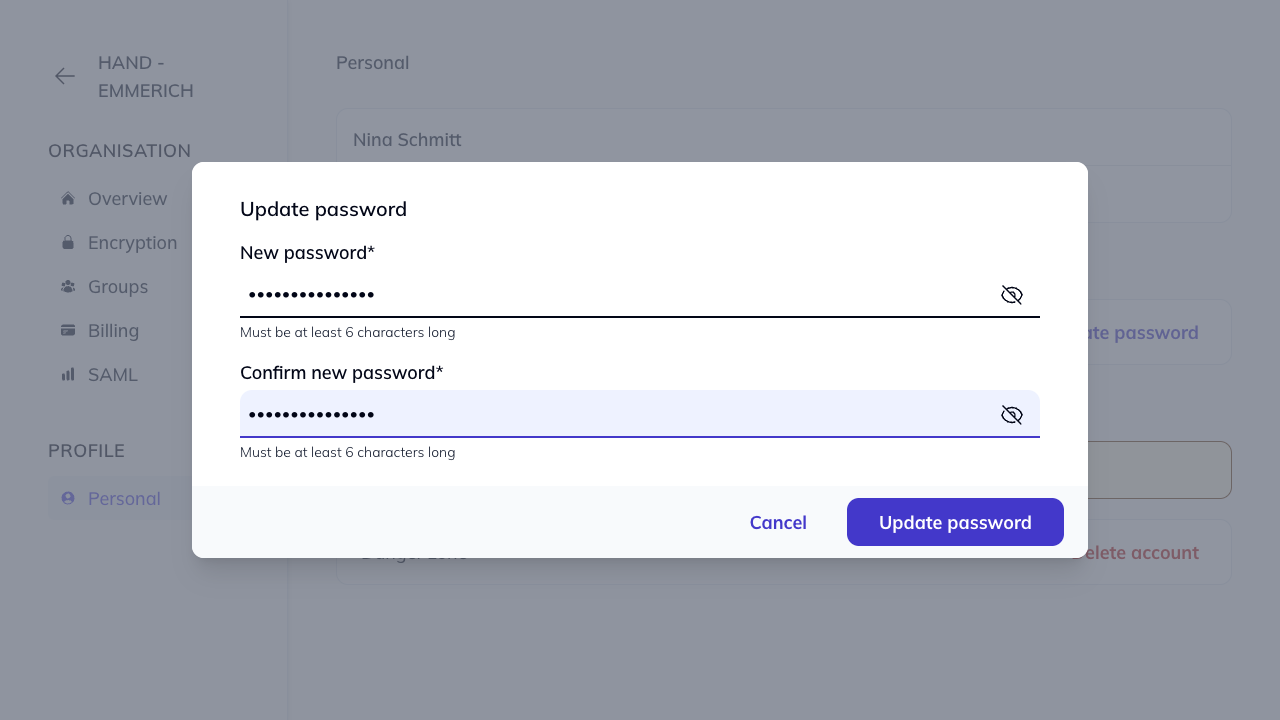
-
Click Update password to save your changes, or Cancel to go back.
Password requirements
Your new password must be at least 6 characters long.
Forgot your current password?
Use Forgot password? on the login page to reset it, then come back here if you want to change it again later.